














How to Use the Exness Trading App
Trading Tools (MT4/MT5)
How to Use the Exness Trading App
Exness offers the “Exness Trading App,” which allows you to handle everything from trading to account management within a single app. With many FX brokers, you must use the member portal for deposits, withdrawals, and account settings, while trading is done via MetaTrader 4 (MT4) or MetaTrader 5 (MT5), requiring the use of multiple platforms.However, the Exness Trading App is a one-stop solution that allows you to complete everything from opening an account, making deposits and withdrawals, and changing account settings to trading using indicators. Furthermore, the “Exness Trading App” features an intuitive and easy-to-understand design, so anyone—from FX beginners to professional traders—can easily start trading with simple operations.
About the Exness Trading App
The Exness Trading App is a one-stop solution that allows anyone with an Exness account to manage their account and trade—all for free. Please review the supported devices for the Exness Trading App and learn about the differences between it and MT4/MT5.
What Is the Exness Trading App?
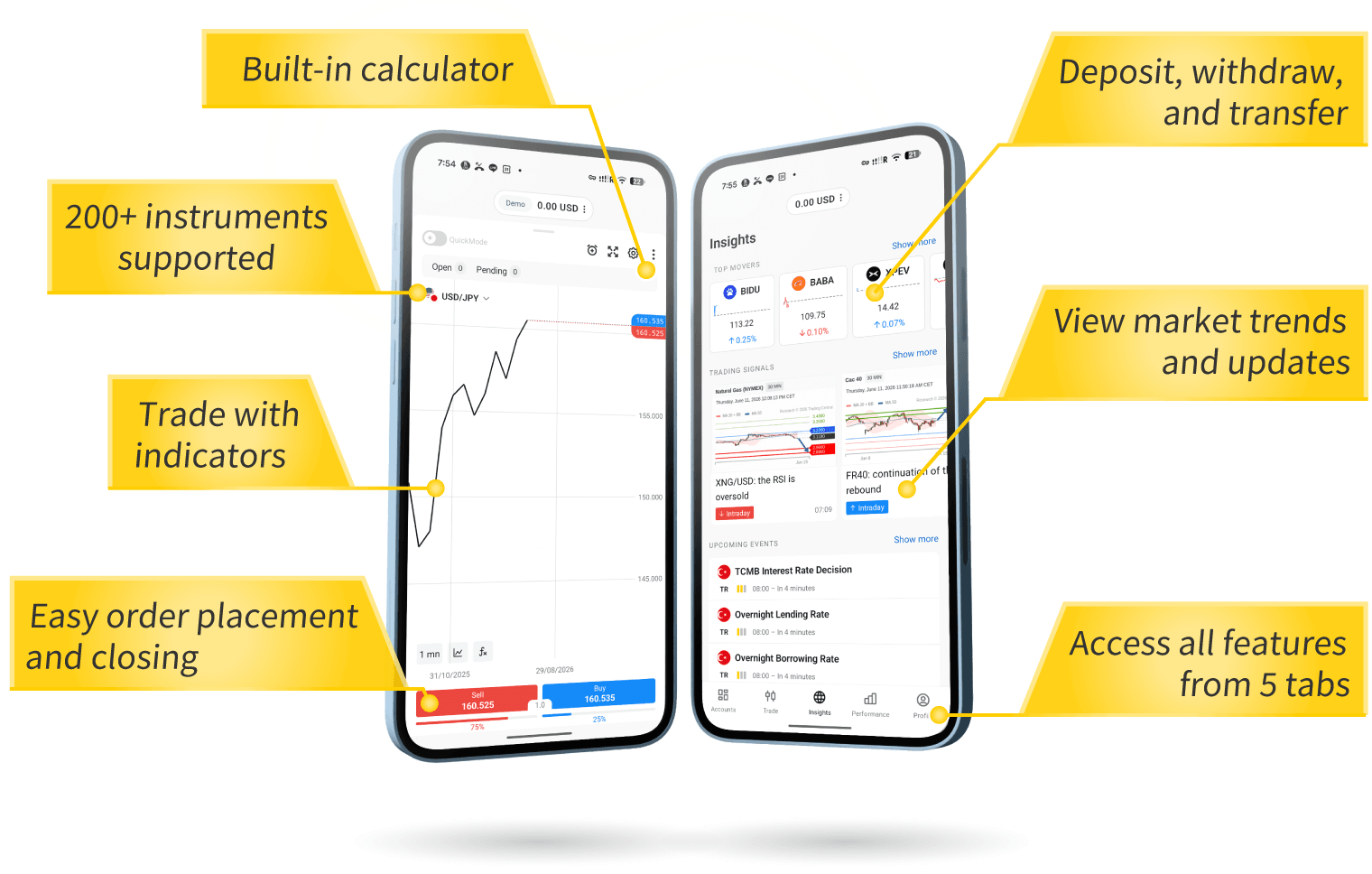
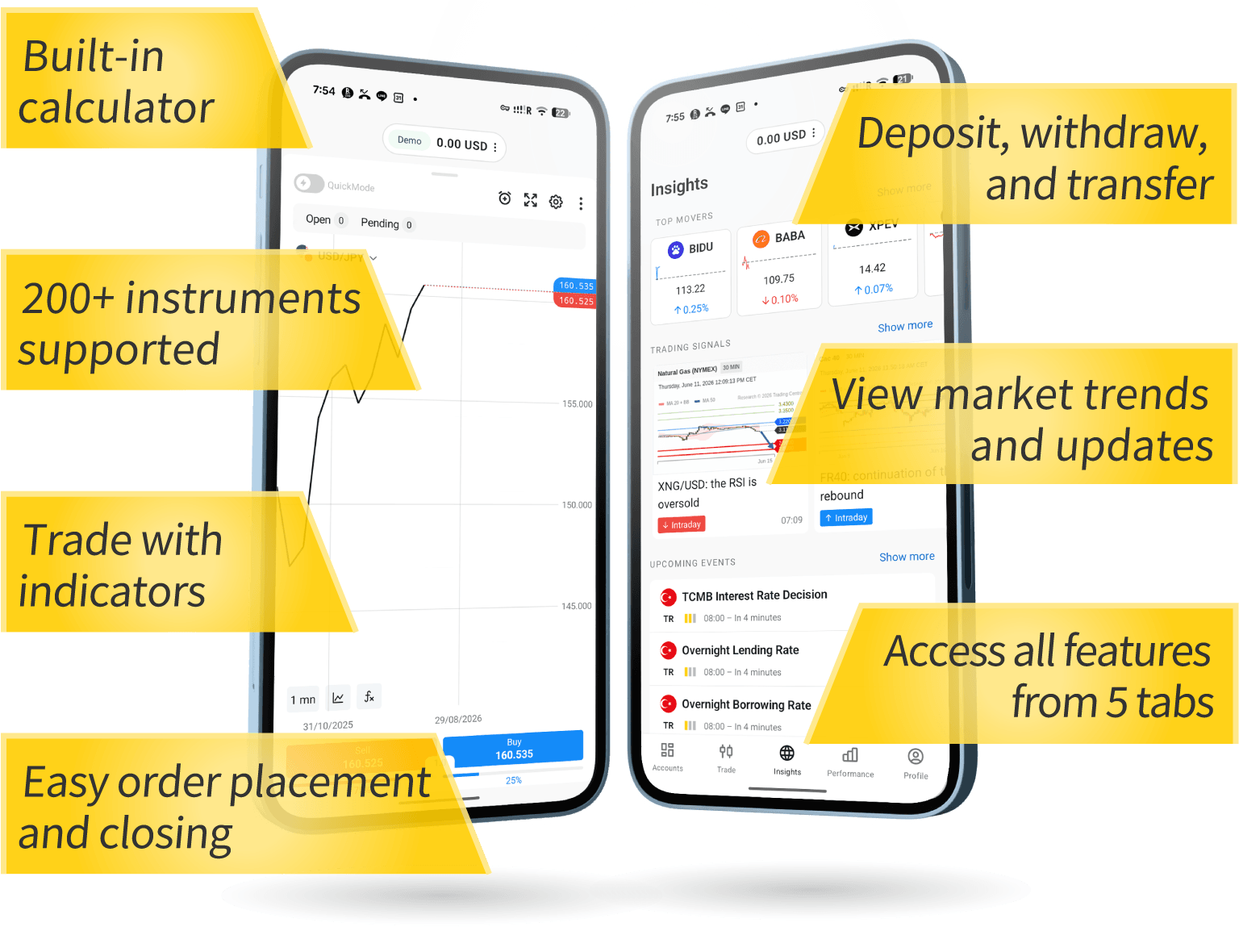
The Exness trading app is a convenient, one-stop solution that allows you to manage your Exness trading accounts and execute trades all within a single app. You can easily make deposits and withdrawals, transfer funds between accounts, place orders, and settle trades anytime, anywhere—whether during your daily routine or while on the go—enabling convenient and efficient account management.It also supports trading using technical indicators.
In addition, the Exness trading app includes features that allow you to access data analysis, event information, economic news, and other resources to support your trading.As a result, using the app allows you to gather information quickly and easily, giving you a head start over other traders. If you primarily engage in discretionary trading or trade frequently and want to conveniently manage your account and execute orders while on the go, we highly recommend installing the Exness Trading App to enjoy a seamless trading experience.
Devices Compatible with the Exness Trading App
With the Exness trading app, you can handle everything in one place—from opening Exness demo and live accounts, managing funds, and changing account settings to actually trading. However, while you can open and manage Exness MT4 accounts (including deposits, withdrawals, and account settings), trading functionality is limited to MT5 accounts.Please also note that the Exness Trading App is currently available only on Android devices; the app for iPhone devices has been temporarily suspended. An overview of the Exness Trading App’s supported devices is as follows.
Devices Compatible with the Exness Trading App
| Compatible Devices | iPhone devices / Android devices (*1) |
| Supported Trading Platforms | MT5 Account (*2) |
| Supported Account Types | Standard Account, Zero Account, Pro Account, Low Spread Account |
| Compatible Devices |
| iPhone devices / Android devices (*1) |
| Supported Trading Platforms |
| MT5 Account (*2) |
| Supported Account Types |
| Standard Account, Zero Account, Pro Account, Low Spread Account |
- We have temporarily suspended the availability of the iPhone app in Japan.
- You can open and manage an MT4 account, but you can only trade using an MT5 account.

Differences Between the Exness Trading App and the MT4/MT5 Apps
The Exness trading app and the Exness mobile MT4/MT5 apps share the common feature of allowing you to trade on the go using just your smartphone, but there are also differences between them.Specifically, with the Exness Trading App, you can easily handle everything—from opening an account to making deposits and withdrawals, and changing account settings—all within a single app. This means you don’t need to access the Exness Personal Area every time you want to make a deposit or withdrawal or change your account settings.
On the other hand, while the MT4/MT5 apps allow you to perform trading operations such as placing and closing orders directly within the app, you must access the Exness Personal Area to manage your funds—including deposits and withdrawals—which requires using multiple tools. For this reason, the Exness Trading App is recommended for traders who want to conveniently handle trading and account management on the go using a single app.
Key Features of the Exness Trading App (How to Use It)
The main features of the Exness trading app are categorized into “Account Management,” “Trading,” “Performance Analysis,” and “Market Watch.” You can easily access each of these features via the five tabs in the Exness trading app. The specific details of each feature are as follows.
Key Features of the Exness Trading App (How to Use It)
| Account Management Features | Opening a New Account, Deposits and Withdrawals, Fund Transfers, Leverage, and Password Changes |
| Trading Features | Placing Orders, Making Payments, Modifying or Deleting Orders, Chart Analysis Using Indicators, Calculating Required Margin, etc. |
| Performance Analysis Features | Display of statistical data on trading history, profit/loss, available margin, total number of orders, and individual charts showing trading volume |
| Market Watch Feature | Get the latest market news, event information, and more |
| Account Management Features |
Opening a New Account, Deposits and Withdrawals, Fund Transfers, Leverage, and Password Changes |
| Trading Features |
Placing Orders, Making Payments, Modifying or Deleting Orders, Chart Analysis Using Indicators, Calculating Required Margin, etc. |
| Performance Analysis Features |
Display of statistical data on trading history, profit/loss, available margin, total number of orders, and individual charts showing trading volume |
| Market Watch Feature |
Get the latest market news, event information, and more |
The features available in each of the five tabs of the Exness trading app are as follows.
Exness Trading App: "Account" Tab
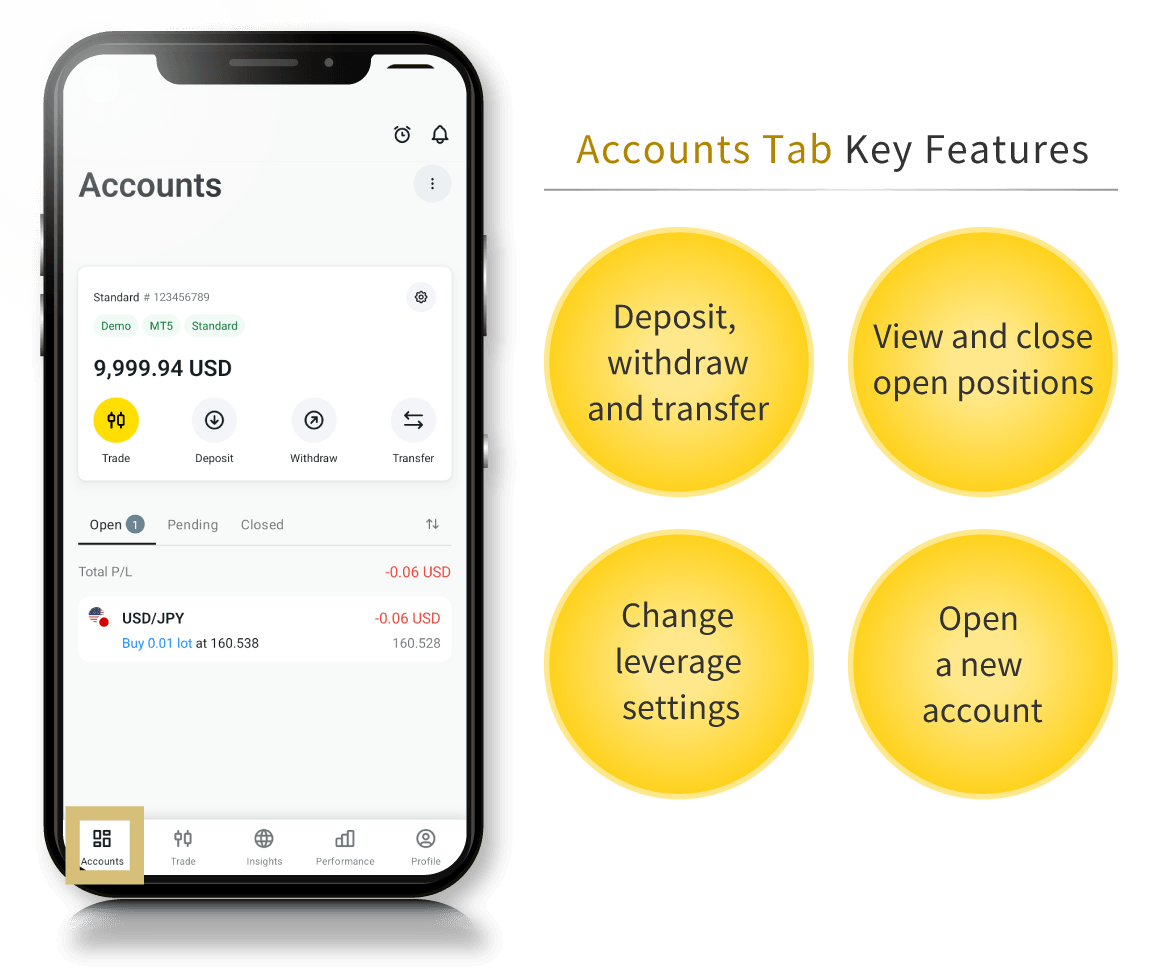
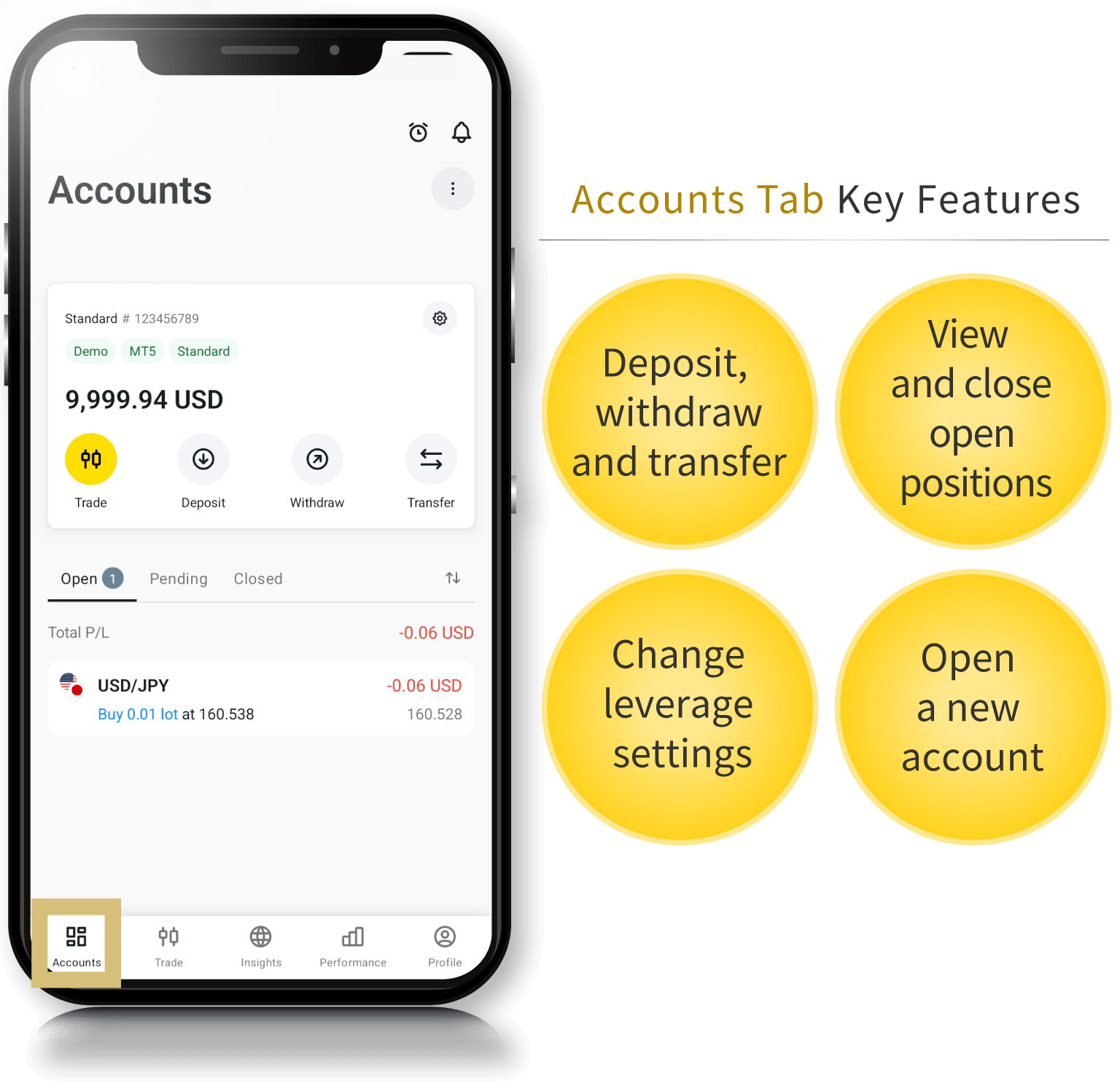
In the “Account” tab of the Exness trading app, you can open a new account, deposit funds into or withdraw funds from your account, change settings, and view or close your open positions. You can deposit or withdraw funds using the “Deposit” and “Withdraw” buttons, and change settings such as leverage and your password using the “Details” button.While other FX brokers require you to access your member page to make deposits, withdrawals, or change account settings, the Exness trading app allows you to complete all of these tasks directly within the app.
Exness Trading App: "Trading" Tab
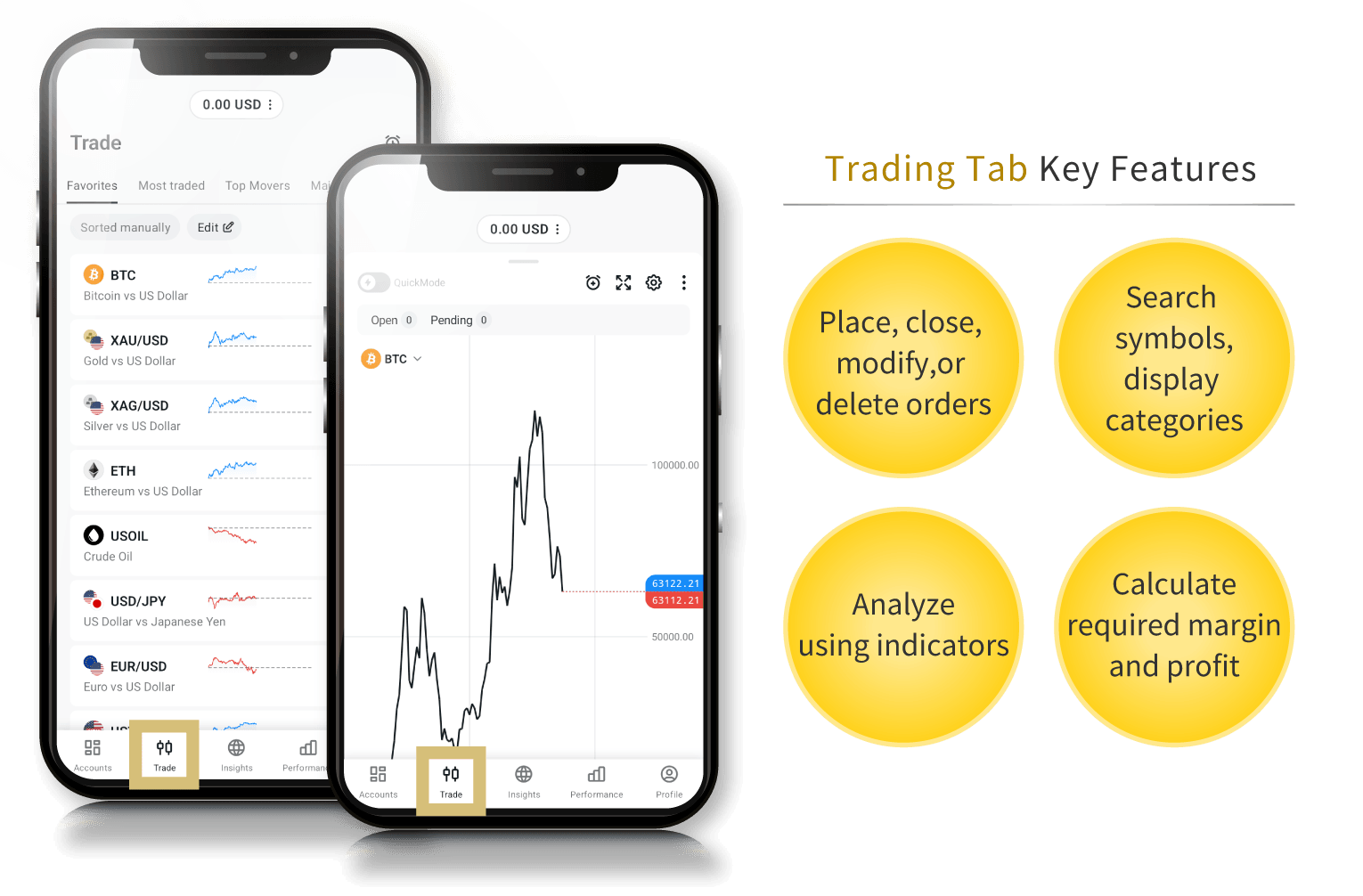
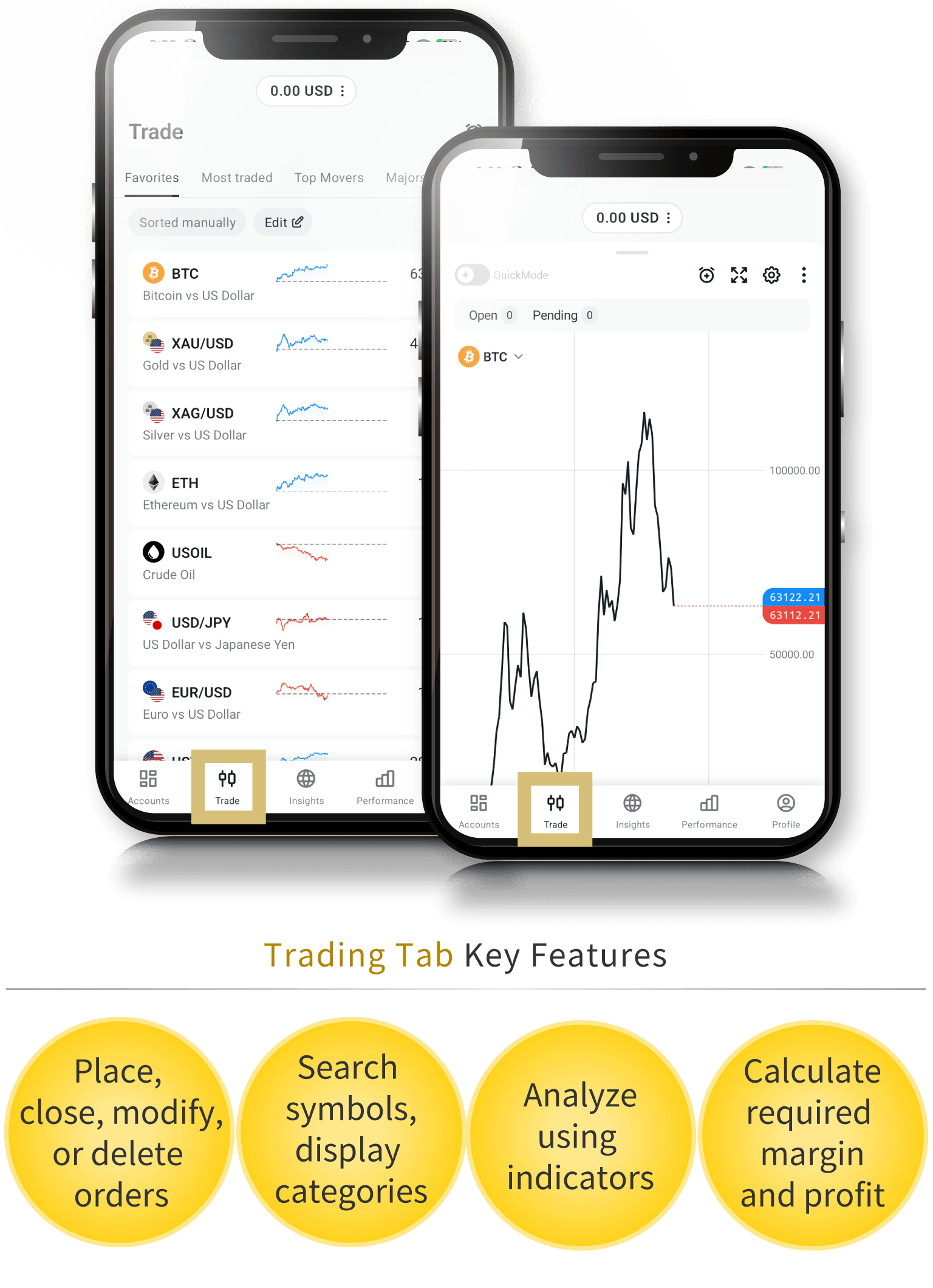
In the “Trading” tab of the Exness trading app, you can view charts for over 200 tradable instruments, place and close orders, and modify or delete order details. In addition to viewing charts for each instrument and trading using indicators, the app also includes features that allow you to search through a wide range of tradable instruments and view them by category.Furthermore, when placing an order, the required margin, trade volume, and pip profit are automatically displayed based on the lot size you enter. If you wish to calculate more detailed figures such as spreads and swap points, please use the “Investment Calculator” on the chart screen.
Exness Trading App: "Markets" Tab
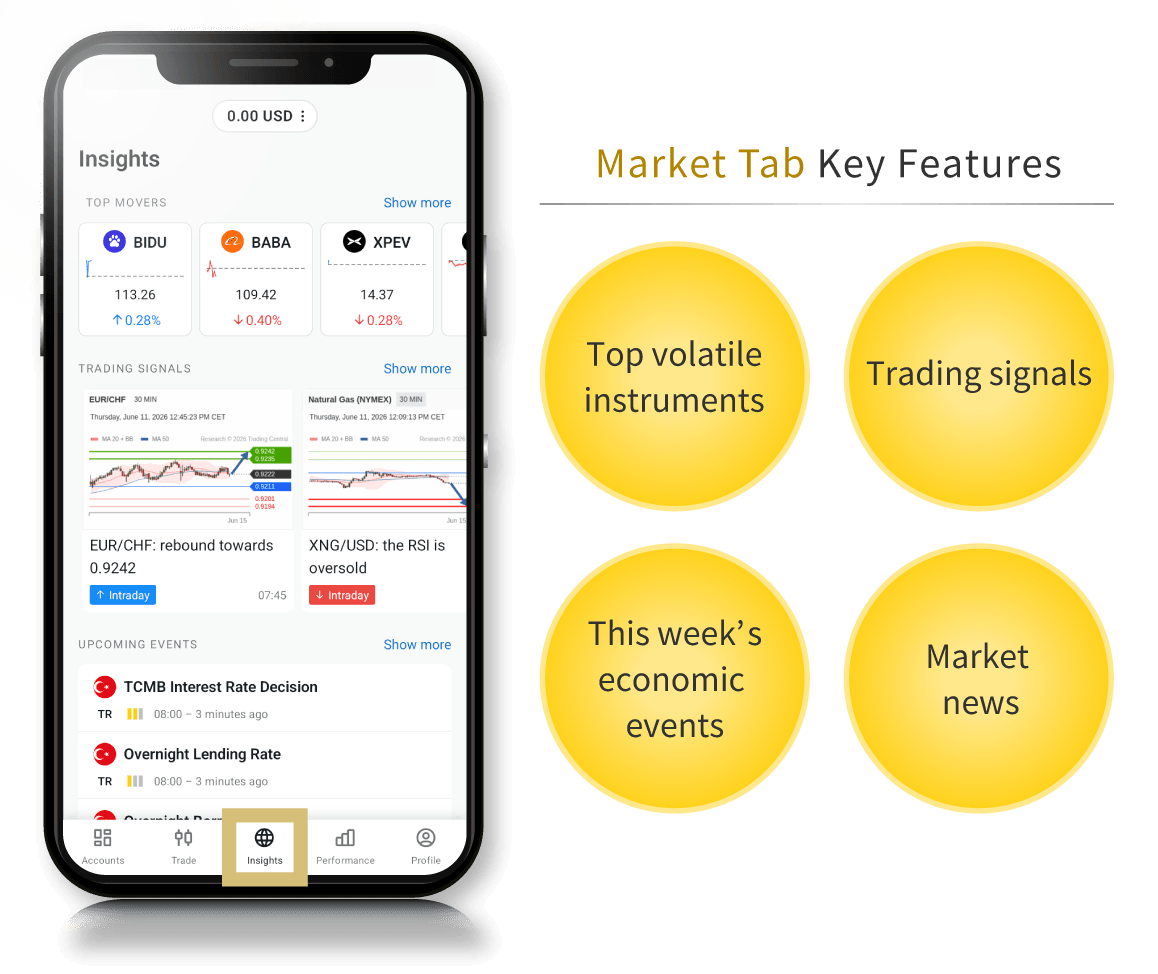
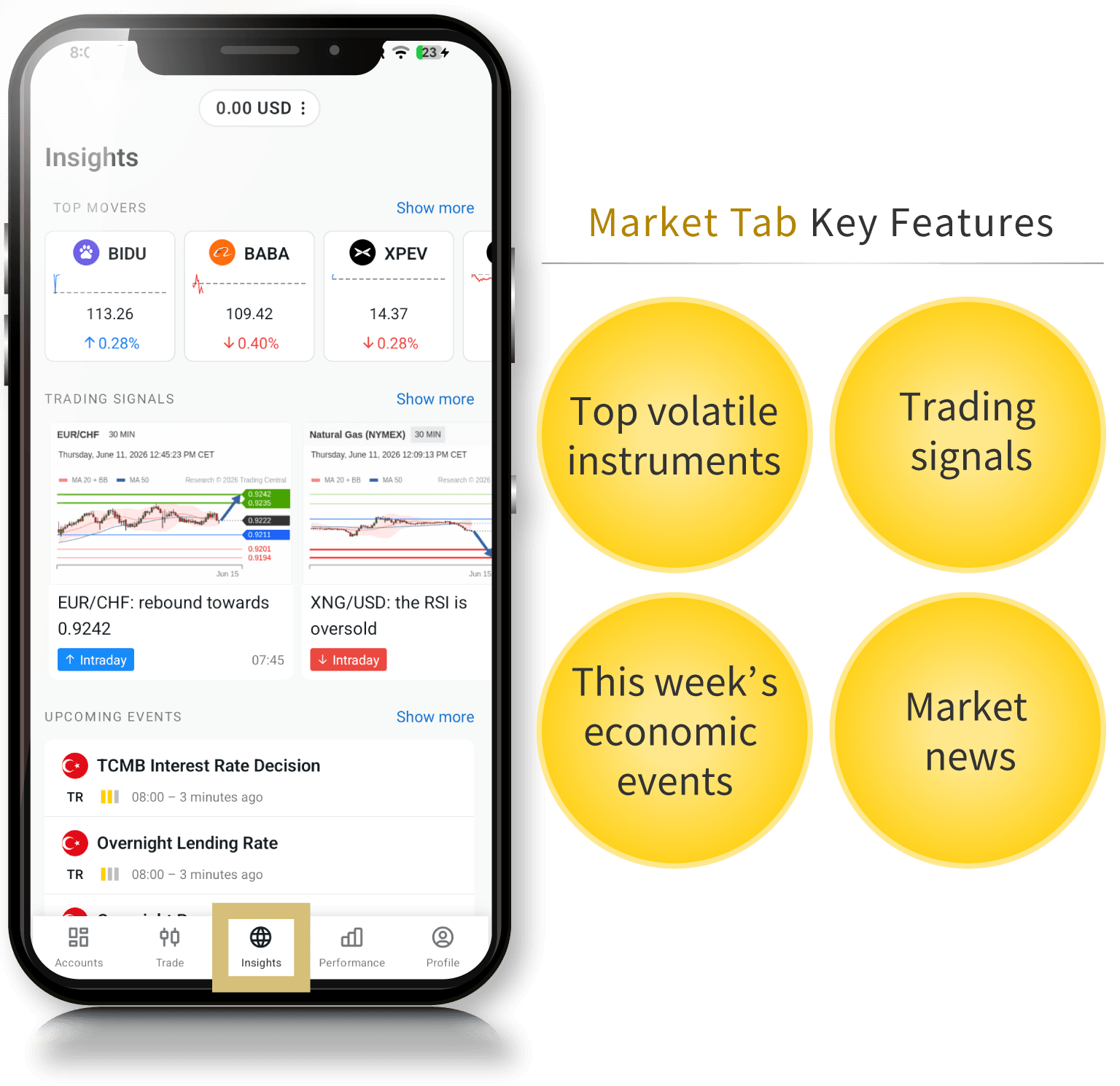
In the “Market” tab of the Exness trading app, you can check the latest economic news and a list of key economic indicators scheduled for release. You can also view strength and weakness trends for each currency, which is a helpful feature when selecting currencies to trade. Additionally, trading buttons for instruments related to the selected news appear below the news item, allowing you to enter a trade immediately.
"Performance" Tab in the Exness Trading App
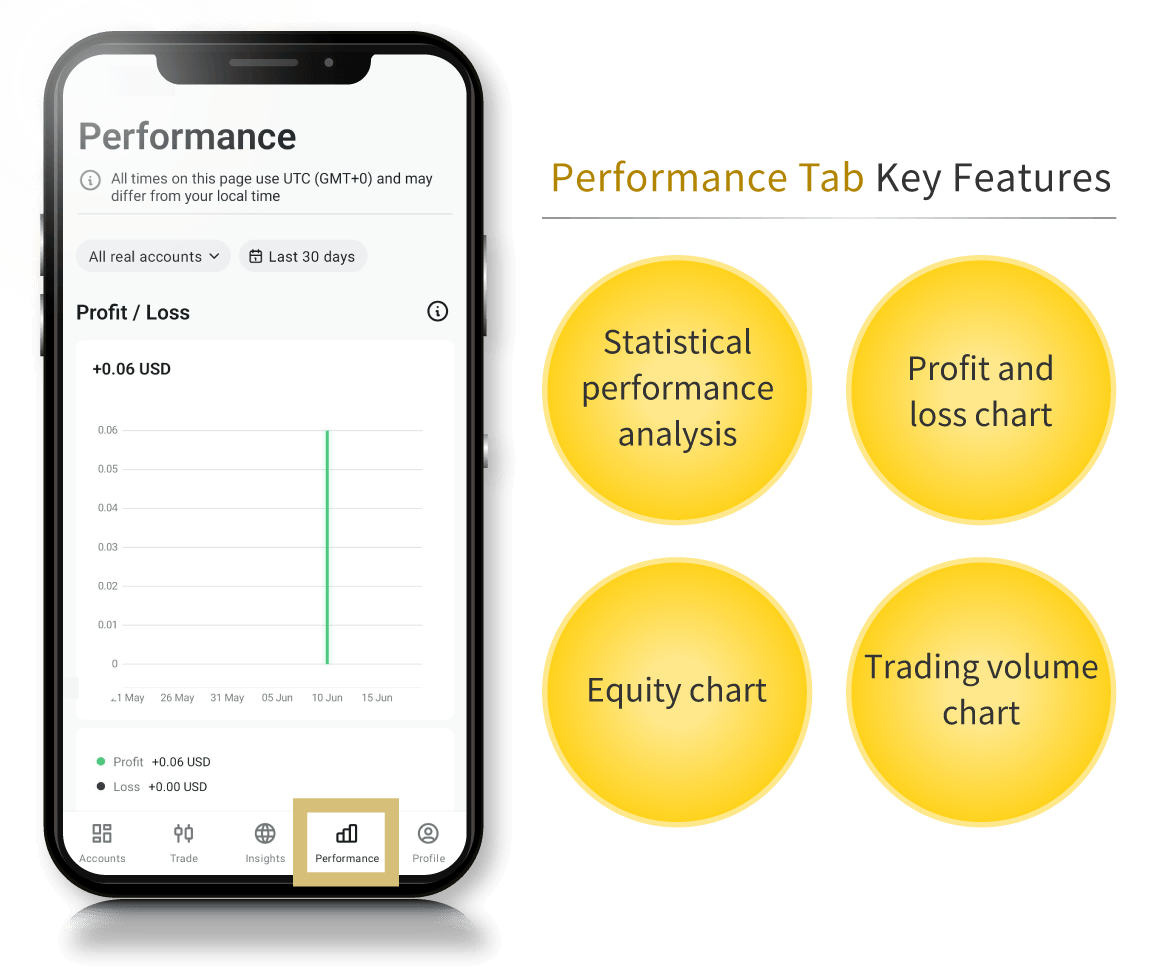
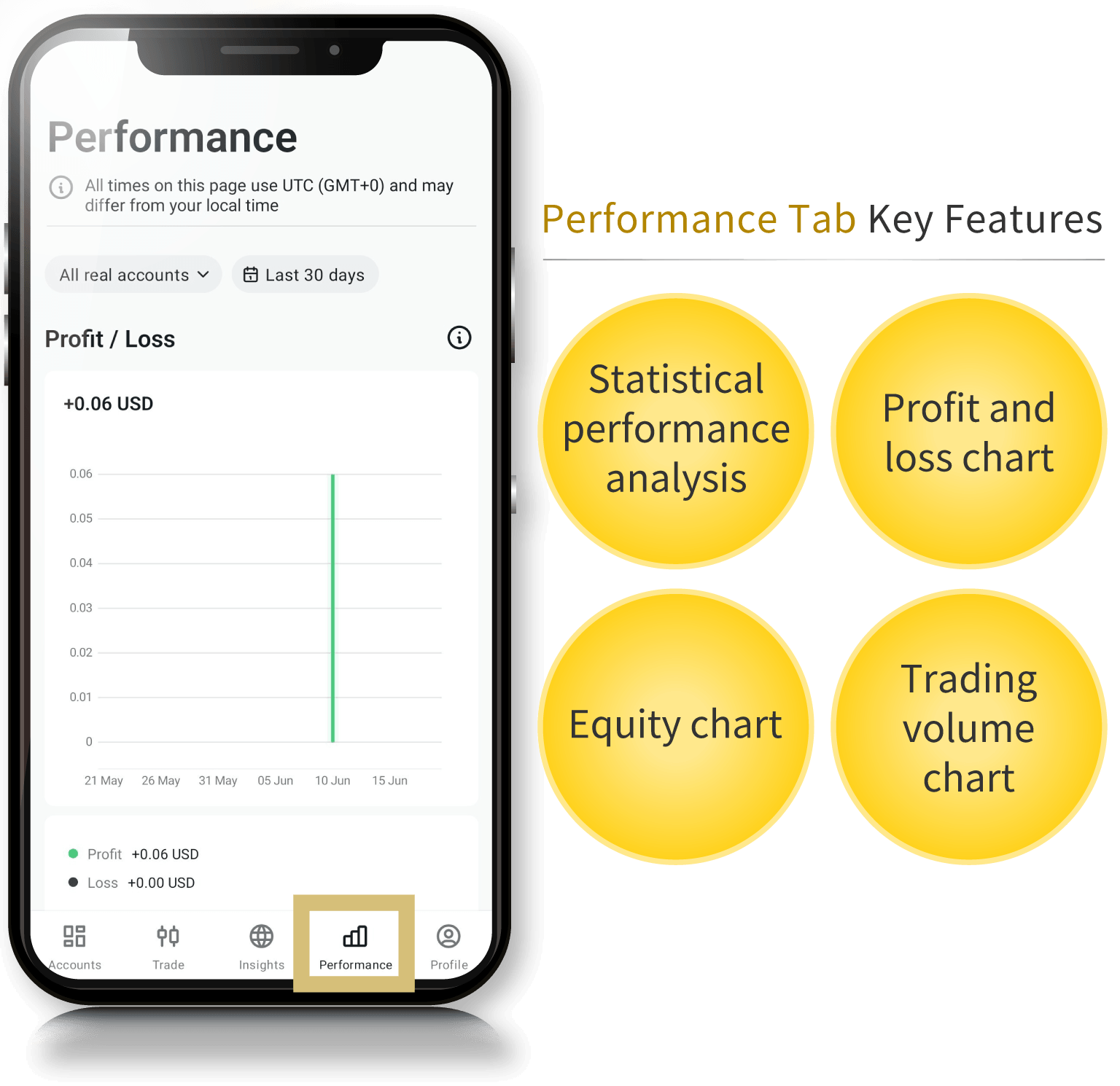
In the "Performance" tab of the Exness trading app, you can view statistical data for all your trading accounts. Since the statistics and charts are updated in real time, you can get a comprehensive overview of your trading history.You can choose to view the data by year or by periods such as the past 7, 30, or 90 days. Additionally, you can review your profits/losses, available margin, total number of orders, and trading volume on individual charts, which can help you analyze your own trading activity.
Exness Trading App “Profile” Tab
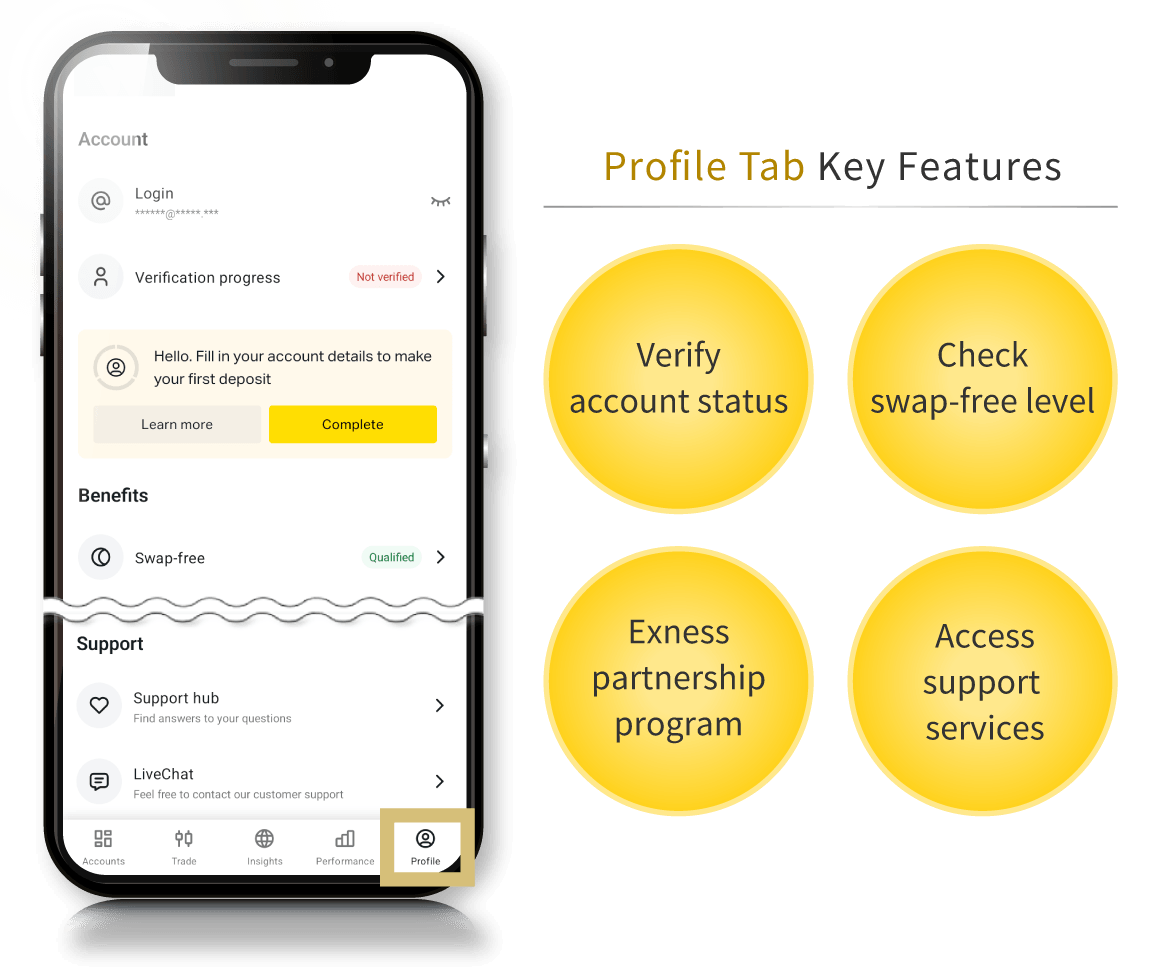
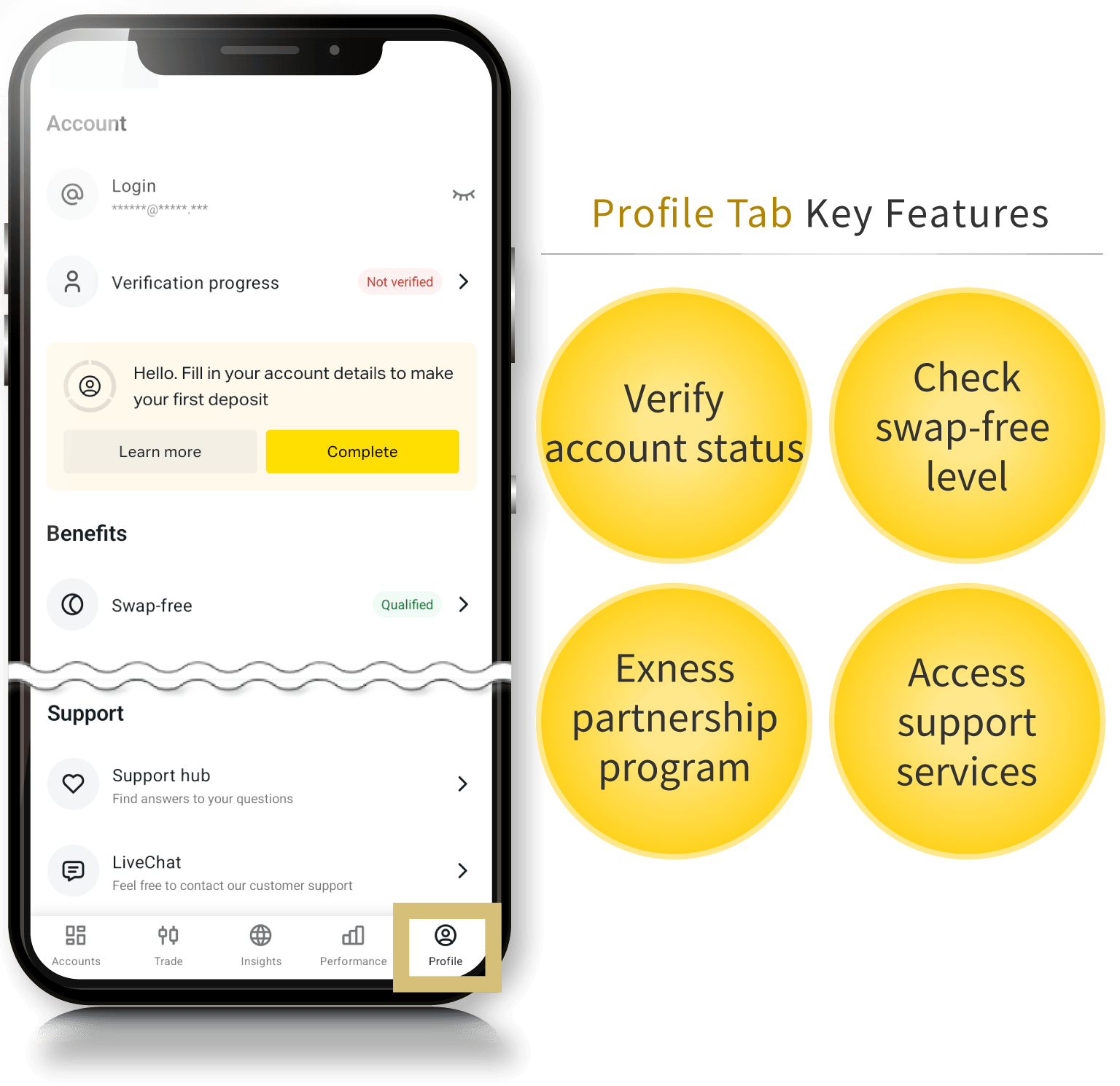
In the "Profile" tab of the Exness trading app, you can check your account verification status and swap-free level, as well as access various support options such as the Help Center and live chat. You can also change the trading terminal displayed in the app, adjust notification and language settings, and change your password.You can seamlessly manage your trading environment using just this app, without needing to access the Exness Personal Area. You can also log out of the app from the Profile tab.
The Appeal of the Exness Trading App
Exness’s proprietary app, the “Exness Trading App,” allows you to do everything from managing all your trading accounts to trading using indicators—all within a single app. It also lets you view economic indicators and the latest market news, which are crucial for trading, making it an all-in-one app that includes everything you need for trading.
Enables quick account management at any time
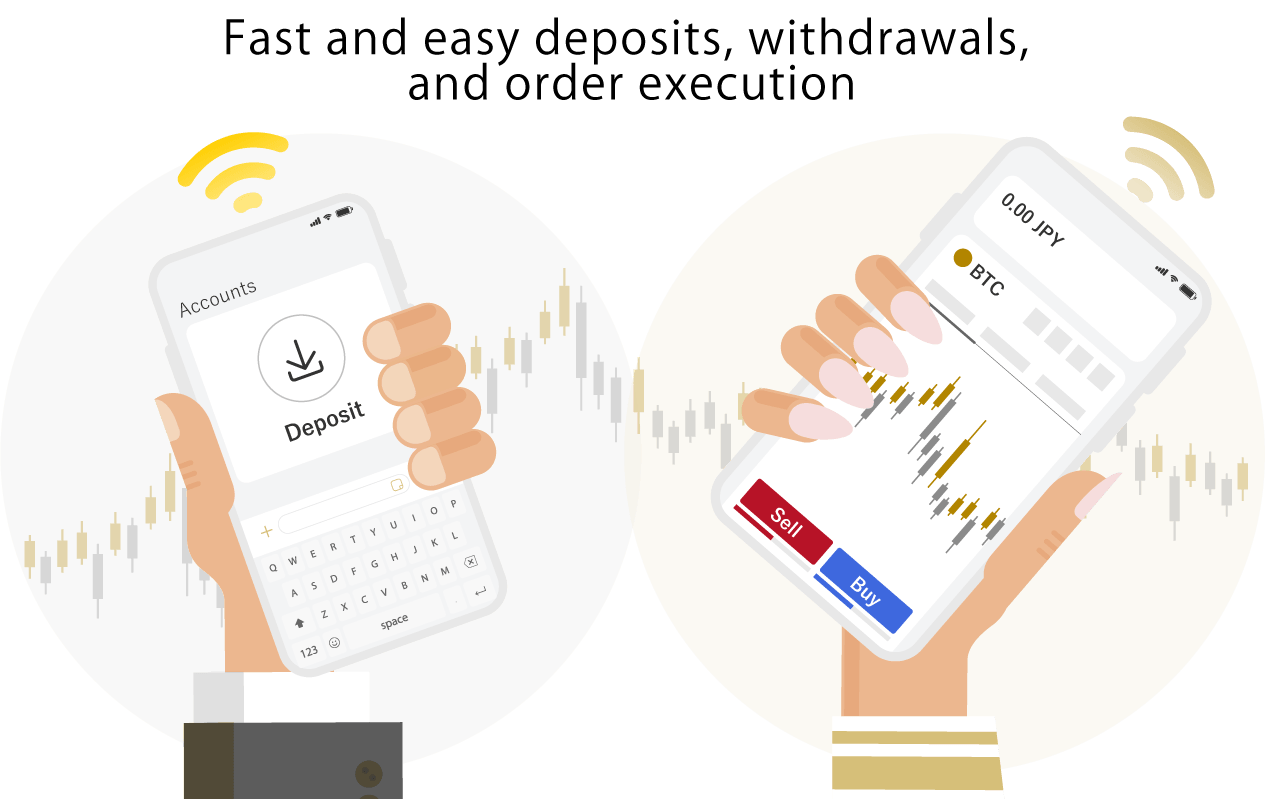
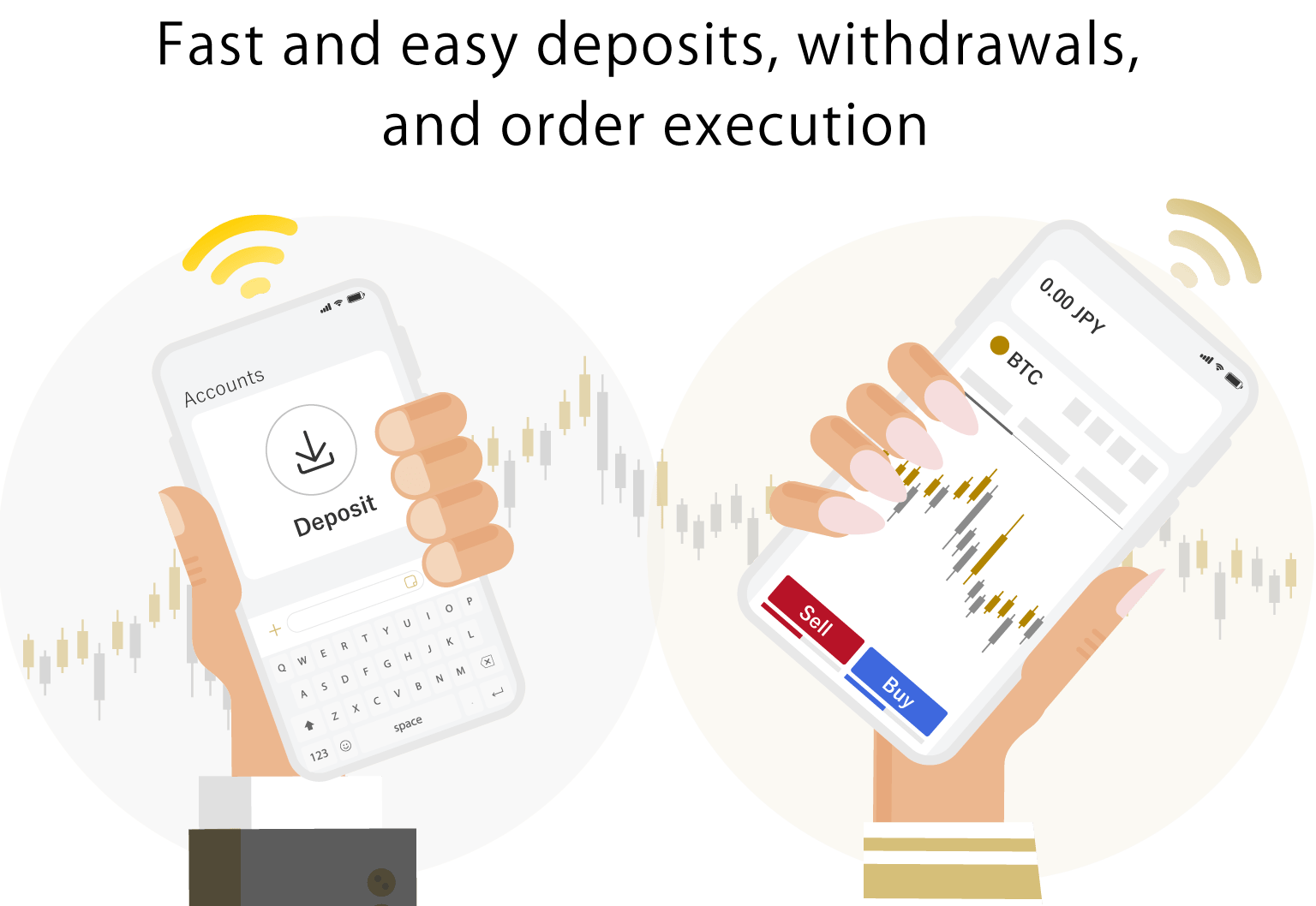
The Exness trading app supports nearly all the features available in the Exness Personal Area, in addition to trading functions. By using the Exness trading app, you no longer need to access the Personal Area every time you manage your account, and you can log in using fingerprint authentication.This allows you to quickly close positions or make deposits to prevent a margin call during sudden market fluctuations or when your margin maintenance level drops. Additionally, while Exness allows trading with up to 2,000x leverage, this leverage is restricted once your account balance reaches $29,999 or more.Even if your margin increases due to trading profits, you can continue trading with up to 2,000x leverage by instantly processing a withdrawal via the Exness trading app. (*)
(*) Leveraged trading involves high risk, and you may lose all of your invested capital. Please ensure you fully understand the risks before trading.
Supports a wide range of tradable securities
With the Exness trading app, you can trade over 200 different instruments—including FX currency pairs, cryptocurrencies, indices, stocks, and energy—all from a single app.By adding your favorite instruments to your favorites list, you can access them quickly without having to search for them each time. Additionally, the category view allows you to see the day’s most volatile or most popular instruments, making it a very convenient feature for FX beginners who aren’t sure where to start trading.Please note that among FX minor and exotic currency pairs, there are some instruments that cannot be traded with certain account types. Furthermore, there are instruments with leverage restrictions or swap-free options, so please check the trading conditions for each instrument in advance.
Supports a variety of payment methods
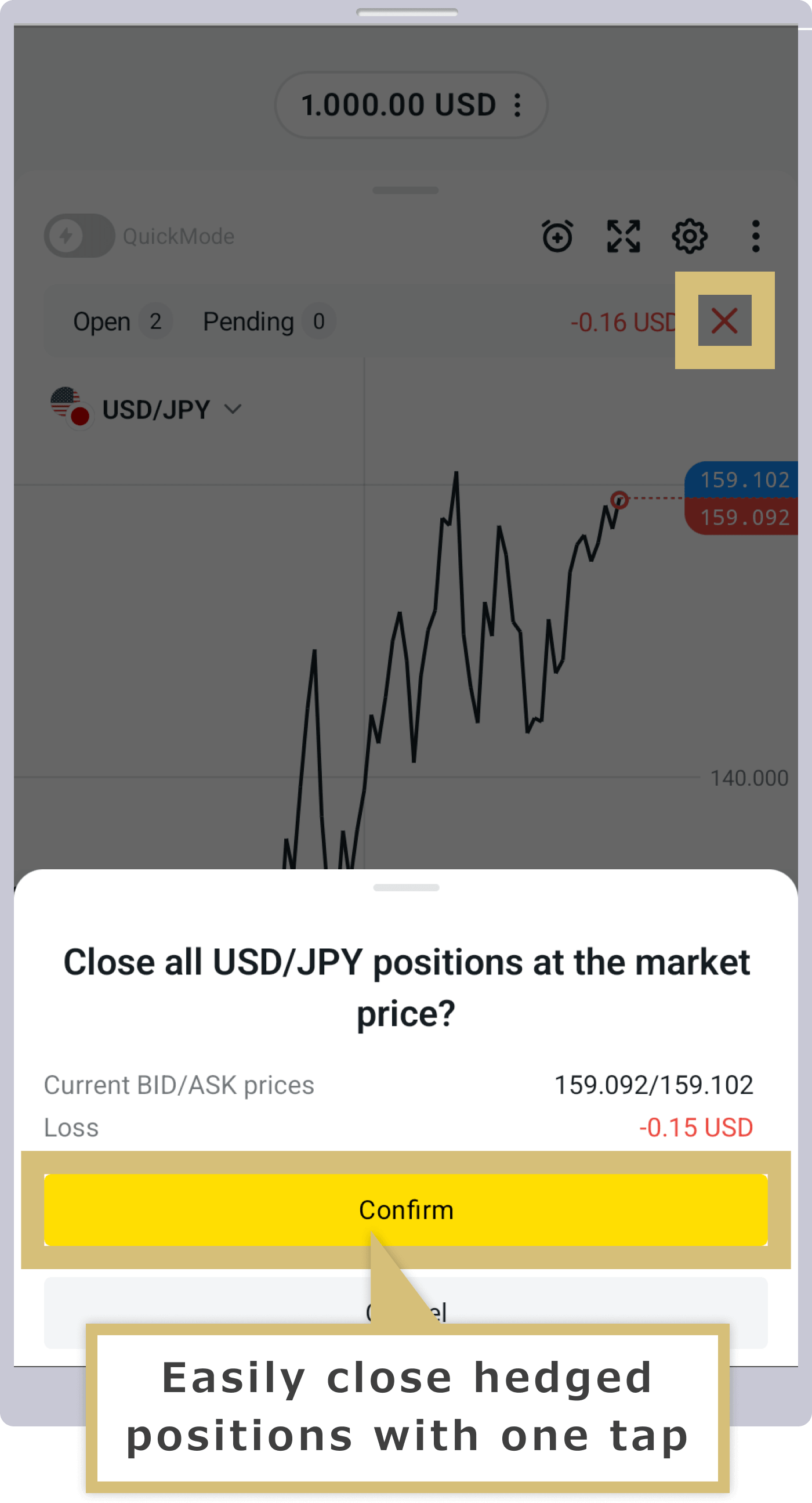
The Exness trading app allows you to place and close orders with ease. This highly convenient app enables you to conduct regular trading smoothly; not only can you set take-profit and stop-loss levels and close partial positions, but it also supports the simultaneous closing of hedged positions.When closing hedged positions, even a slight time difference between closing them simultaneously can affect your profit or loss. With the Exness trading app, you can close all hedged positions at once with a simple tap. Please note that bulk closing is available only for hedged trades.
Stay up to date on the latest market trends at all times
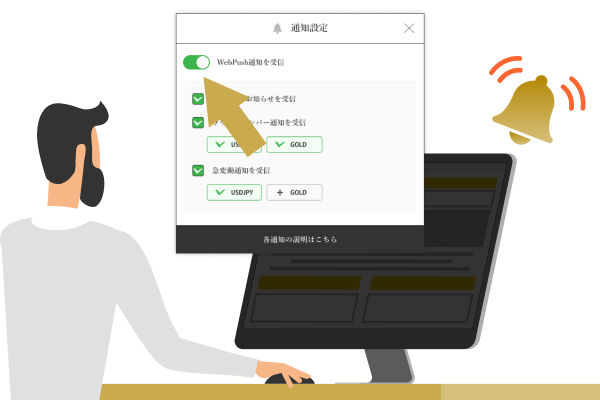
With the Exness trading app, you can quickly check the latest news and economic indicators even when you’re on the go. Trading buttons for instruments related to the news appear below the selected trend information, allowing you to enter a trade immediately with a simple tap.Furthermore, by enabling push notifications for news, the economic calendar, price movements, and more, you can gather information even more easily. You can also set individual buy and sell price alerts for each instrument, allowing you to stay on top of the latest market trends in real time.
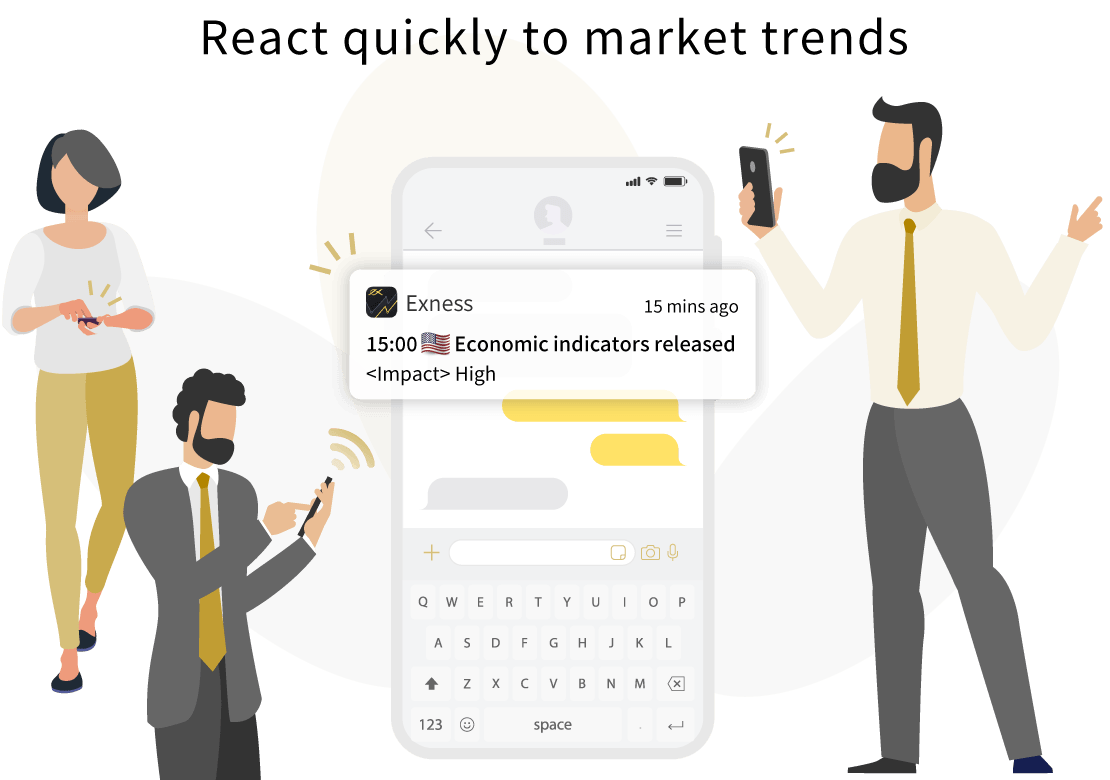
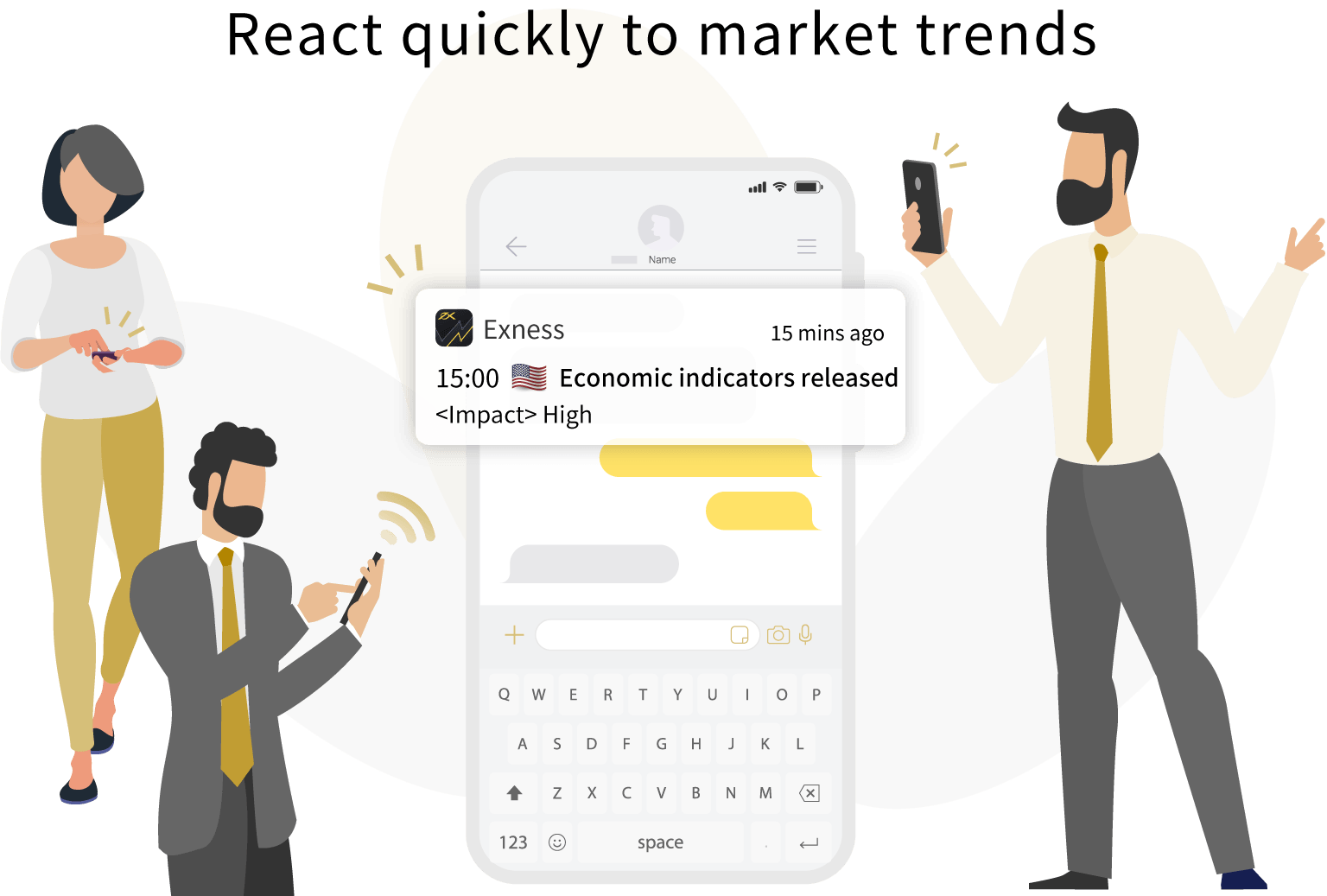
Please note that Exness may impose leverage restrictions before and after the release of economic events to mitigate risk for traders in the event of market volatility. When trading, we recommend that you check the “Economic Calendar” within the app to adjust your trading timing accordingly.
You can easily contact our support desk, which is open year-round
The Exness trading app offers traders reliable 24/7 support.Normally, when questions arise while trading or using the app, you would need to access your Personal Area each time to submit an inquiry. However, with the Exness trading app, you can contact live chat directly from within the app or instantly access the Q&A search using relevant keywords.Furthermore, Exness’s live chat offers support in Japanese provided by Japanese-speaking staff, giving you peace of mind. Please take advantage of this feature to quickly resolve any questions or issues and ensure your trading experience runs smoothly.
Important Notes on the Exness Trading App
The Exness trading app is an extremely useful tool that can help you trade more efficiently. However, there are a few things to keep in mind when using the app.
Currently supported only on Android devices
The Exness trading app is currently available only on Android devices. Please note that the app is temporarily unavailable on iOS devices.Please note that the mobile versions of Exness’s trading platforms, “MetaTrader 4 (MT4)” and “MetaTrader 5 (MT5),” are available for both iPhone and Android devices. If you use an iPhone and wish to trade on the go using your smartphone or tablet, please use the MT4/MT5 mobile apps.
Custom indicators are not available
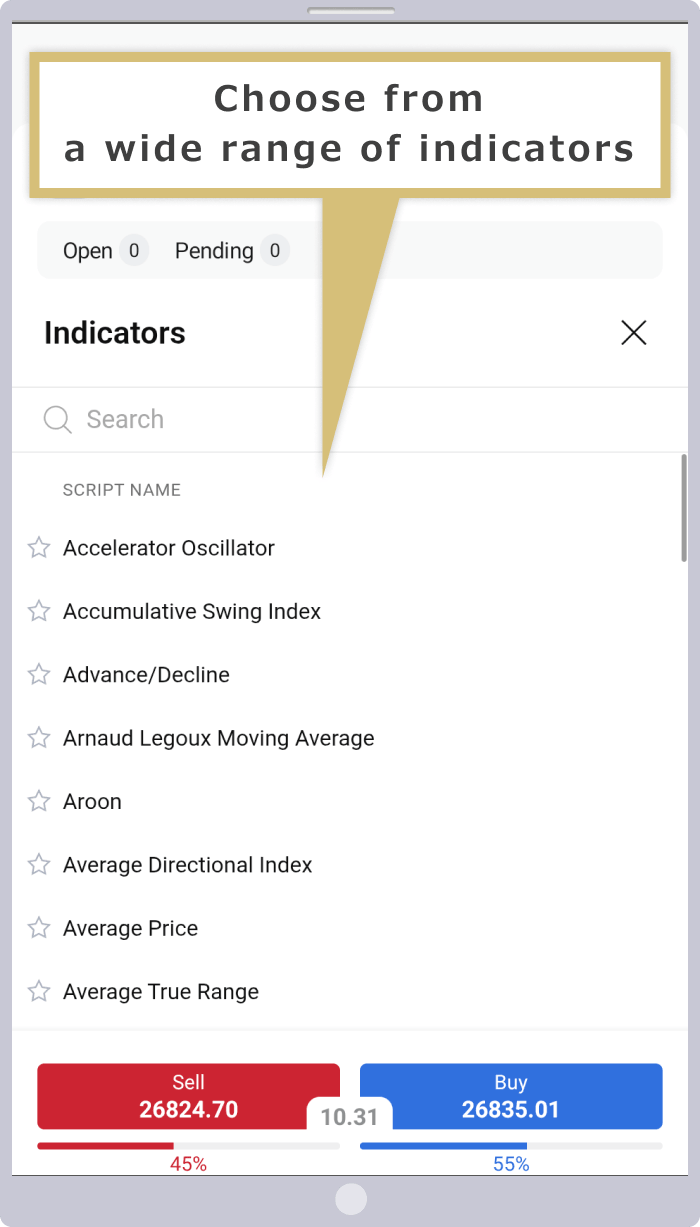
The Exness trading app only supports the built-in indicators. You cannot add indicators you have purchased or created yourself, nor can you use custom indicators. However, the Exness trading app does include basic indicators such as moving averages and Parabolic SAR.Please rest assured that you can perform basic chart analysis using the built-in indicators. If you wish to perform advanced chart analysis using custom indicators or similar tools, please use the desktop versions of MT4 or MT5.

The Exness trading app offers a limited selection of indicators and does not include drawing tools. However, by switching the chart view in the Exness trading app to “Trading View,” you can display a wider range of indicators.Trading View is the trading terminal developed by Trading Central, a global technical analysis research firm. The ability to change the type of trading terminal displayed as needed is one of the unique features of the Exness trading app.
EA (automated trading) is not available
Please note that automated trading using EAs (Expert Advisors) is not available on the Exness trading app. If you wish to use an EA, please use the desktop versions of MT4 or MT5.Please note that while Exness offers “Exness Social Trading,” an app dedicated to automated trading, we have currently suspended this service for residents of Japan.
Frequently Asked Questions (FAQ) About the Exness Trading App
-
Can I open an account, make deposits and withdrawals, and change my settings using the Exness trading app?
Yes, with the Exness trading app, you can manage everything in one place—from opening a live or demo account to making deposits and withdrawals, trading, and changing settings. However, since trading functionality is limited to MT5 accounts, you cannot trade with an MT4 account.For MT4 accounts, you can still manage your account, including opening an account, making deposits and withdrawals, and changing account settings.
Read More
12.10.2023
-
Does the Exness trading app support all account types and tradable instruments?
No, the Exness trading app does not support trading on MT4 accounts (though you can open an MT4 account and make deposits and withdrawals).With an MT5 account, you can handle everything from account opening to trading and account management in one place. Additionally, you can trade all instruments available on MT5 accounts directly through the Exness app.
Read More
12.10.2023
-
Can I use indicators on the Exness trading app?
Yes, you can use indicators in the Exness trading app. However, only the indicators that come standard with the Exness app are available for use in the Exness trading app. If you wish to perform advanced chart analysis using custom indicators or similar tools, please use the desktop versions of MT4 or MT5.
Read More
12.10.2023
-
Is the Exness trading app compatible with both iPhone and Android devices?
No, the Exness trading app is currently unavailable for iPhone devices in Japan. If you wish to trade on your iPhone, please use the iOS-compatible MT4/MT5 mobile apps. Please note that the app is compatible with Android devices, so you may also use that platform.
Read More
12.10.2023
-
Please explain the differences between the Exness trading app and Exness’s mobile MT4/MT5 apps.
With the Exness trading app, you can easily perform all basic trading functions—including trading, opening an account, making deposits and withdrawals, and changing account settings—within a single app. On the other hand, with the Exness mobile MT4/MT5 apps, you’ll need to access the Exness Personal Area to manage your funds, such as making deposits and withdrawals.
Read More
12.10.2023