














Exness Trading Platforms: MT4/MT5
Trading Tools (MT4/MT5)
Exness Trading Platforms: MT4/MT5
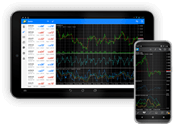
Exness uses MetaQuotes’ trading platforms “MT4 (MetaTrader 4)” and “MT5 (MetaTrader 5),” which are trusted by traders around the world. These platforms are compatible with a variety of devices, including PCs, smartphones, and tablets, and allow you to trade all of the instruments offered by Exness on a single platform.
With the MT4/MT5 platforms offered by Exness, you can not only use the wide range of built-in indicators but also develop custom indicators and EAs (automated trading software) using MetaTrader’s proprietary MQL language to perform technical analysis and algorithmic trading.Combining high performance with an intuitive interface, MT4 and MT5 are the best trading platforms, allowing all traders—from beginners to advanced users—to trade comfortably.
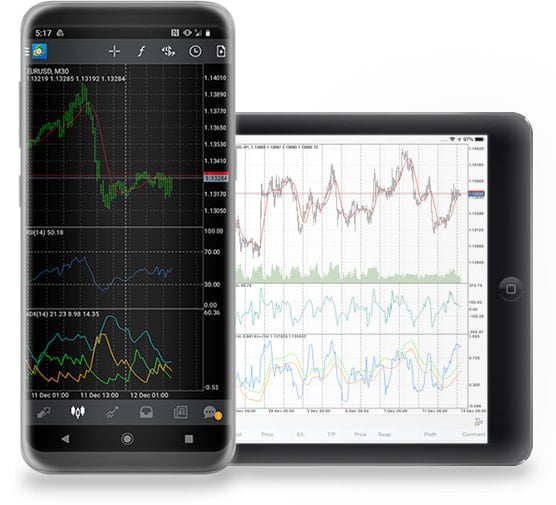
Supported Platforms
Android OS 5.0 and iOS 12.0 or later. Compatible with iPhone, iPad, and iPod touch
Key Features
- You can add 9 different time frames (1-minute, 5-minute, 15-minute, 30-minute, 1-hour, 4-hour, daily, weekly, and monthly).
- It features a wide variety of order types, including market orders, limit orders, and stop orders.
- Comes standard with over 30 types of indicators and 10 types of drawing tools (MT4) and over 20 types (MT5).
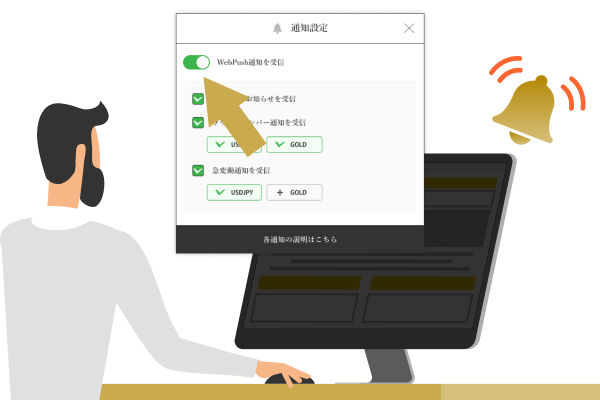
- News feeds and push notifications.

<Android>

<iPhone>

<iPad>
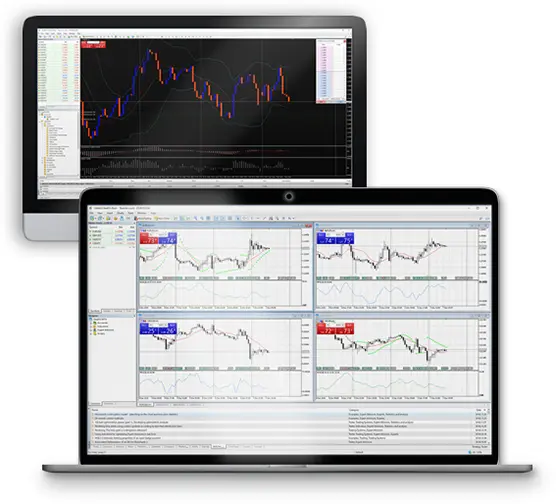
Supported Platforms
| App: | Compatible with Windows 7 and later, and macOS 10.12 and later |
| Web: | Compatible with Chrome, Firefox, Safari, and other popular browsers |
Key Features
- You can add 9 types of timeframes in (MT4) and 21 types in (MT5). Supports 3 types of chart displays.
- It features a wide variety of order types, including market orders, limit orders, and stop-limit orders (conditional limit orders).
- Comes standard with 30 indicators for (MT4) and 38 indicators for (MT5).
- Features a one-click panel display and a price board function (*1)

<Windows>

<Mac>

<Web>
- MetaTrader, MetaTrader 4, MetaTrader 5, MT4, and MT5 are trademarks or registered trademarks of MetaQuotes Ltd.
- The price board is available only on MT5.
MT4/MT5
To All Traders
Providing the Best Trading Environment
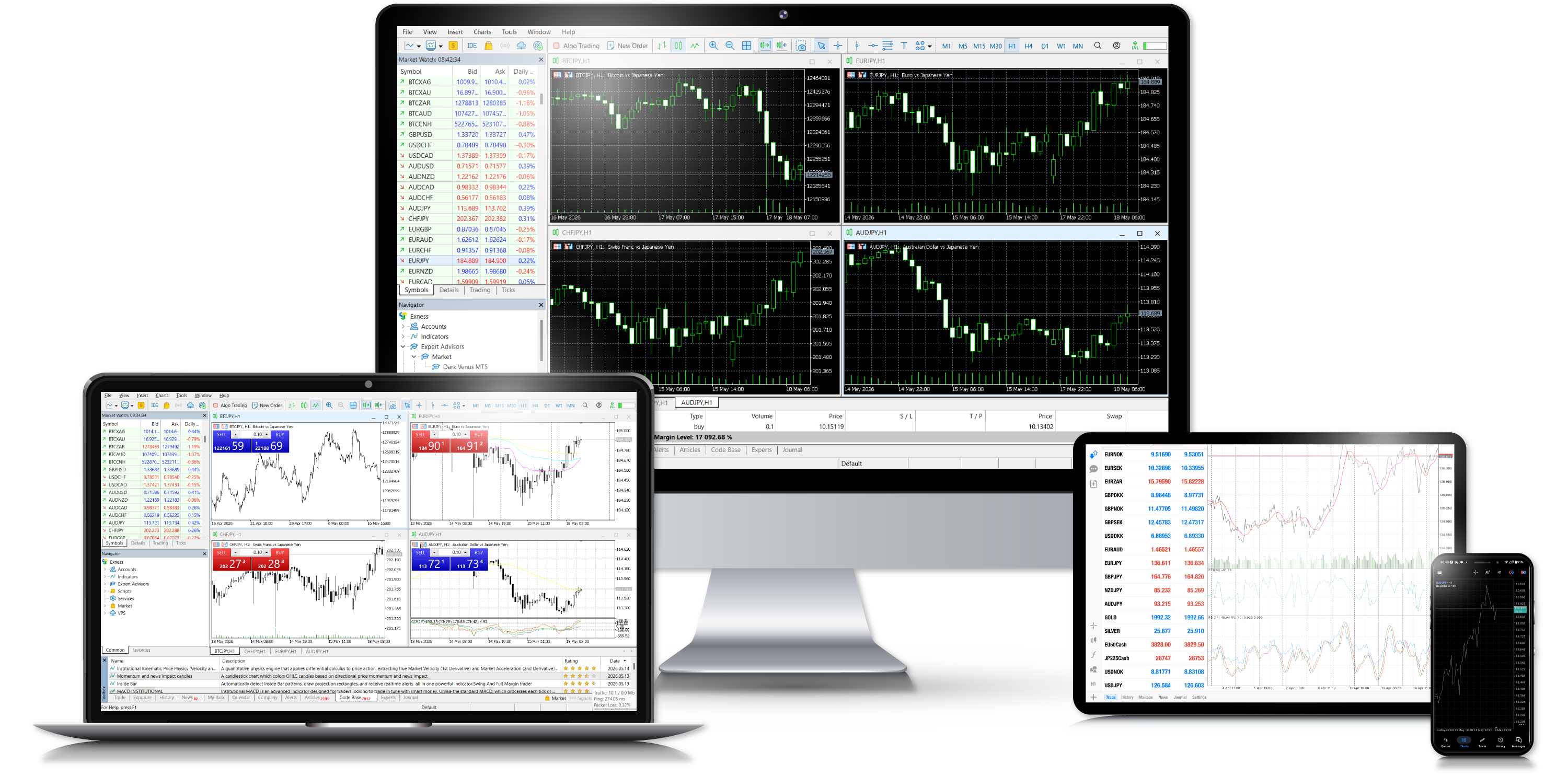
MT4 (MetaTrader 4) and MT5 (MetaTrader 5), offered by Exness, are trading platforms developed by MetaQuotes Software specifically for forex trading.We offer MT4 and MT5 applications for Windows, macOS, Android, and iOS. Additionally, the “MetaTrader Web Terminal” requires no installation and allows you to use features nearly identical to the desktop versions of MT4 and MT5 directly on the web.
MT4, which has been a favorite among traders worldwide since its release in 2005, and MT5—its successor that continues to evolve—have different features in terms of the variety of indicators and EAs (automated trading software), performance, and order methods.Since MT4 and MT5 are not compatible with each other, please select the trading platform that best suits your trading strategy and style.
Features of MT4
Features advanced customization options and a
wide range of functions
MT4 (MetaTrader 4), used by Exness, is a trading platform characterized by a high degree of customization, including a wide range of indicators, order types suitable for any strategy, and the ability to create custom automated trading systems using the MQL4 language.Not only does it feature excellent charting capabilities and built-in indicators, but it also allows traders to incorporate technical tools developed by traders worldwide to analyze the market from multiple angles. Even as the adoption of MT5—the next-generation version of MT4—accelerates, MT4 continues to enjoy strong support today, having accumulated a wealth of trader knowledge since its release.
The Diversity of EA (Automated Trading)

Exness’s MT4 platform allows you to use EAs (Expert Advisors), which are automated trading software programs.Many EAs—both paid and free—are available in various communities, and anyone can easily install them. Another major feature is the ability to develop EAs using “MQL4,” a proprietary programming language, and to create your own signal tools. You can enjoy a high degree of customization, such as automating trading, order placement, and chart object drawing based on your own algorithms.
A Wide Variety of Indicators

Exness’s MT4 comes standard with 30 different indicators. Since it covers all major technical indicators, you can analyze charts from a variety of perspectives.You can also add original indicators created using the “MQL4” language to your charts or sell them. Since a wide variety of custom indicators compatible with MT4 are available online, you can choose indicators that suit your trading style.
Supports Various Ordering Methods
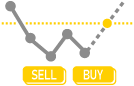
Exness’s MT4 offers a variety of order types to meet all your trading needs.In addition to “Market Orders,” “Limit Orders,” and “Stop Orders,” it also features “Trailing Stops,” which automatically adjust the price of limit and stop orders within a specified range.In addition, you can place orders with a single click, and you can intuitively place or modify take-profit and stop-loss orders directly on the chart using drag-and-drop.
Creating the Ideal Analytical Environment

Exness’s MT4 allows you to display multiple objects on a chart—such as horizontal lines, trend lines, and Fibonacci retracements—that help you analyze market trends and predict future price movements.In addition, you can set up your ideal analysis environment tailored to your preferences—such as splitting the screen to display multiple charts simultaneously for different time frames and currency pairs, or saving templates for indicators and color settings.
All Stocks in a Single Trading Tool

With Exness’s MT4, you can trade not only FX currency pairs but also all of the products offered by Exness—including stock indices, precious metals, energy, stocks, and cryptocurrencies—on a single platform. You can display multiple charts for different products on a single MT4 screen, ensuring you never miss a trading opportunity while simultaneously analyzing and executing trades.There’s no need for tedious tasks like switching between trading platforms or accounts, so you can enjoy a stress-free and comfortable trading experience.
Compatible with various devices

Exness’s MT4/MT5 is compatible with all devices, including PCs, smartphones, and tablets.The desktop applications are compatible with Windows and Mac OS, while the mobile applications are compatible with iOS and Android; both can be installed in a few simple steps. We also offer the Exness WebTerminal, which allows you to trade directly in your browser without installation, so you can flexibly choose the option that best suits your trading environment.
install MT4
Features of MT5
New Features Enable More
Sophisticated Trading Strategies
MT5 (MetaTrader 5), used by Exness, is a trading platform that builds on MetaTrader’s renowned scalability and the core features of MT4, while offering an improved interface and new analytical tools and order types. Optimized for the latest operating systems, you’ll experience even smoother performance than with MT4.MT5 includes a built-in economic calendar, and you can display the release times of key economic indicators directly on your charts. With MT5 alone, you can analyze the market from both technical and fundamental perspectives. Furthermore, while MT4 has reached the end of its update cycle, MT5 continues to evolve, so you can expect further improvements in usability in the future.
Optimized for 64-bit operating systems
Exness’s MT5 offers significantly improved processing power compared to MT4.Optimized for 64-bit operating systems, it loads charts, market quotes, and comma-separated ticks faster—a major advantage, especially for discretionary trading. Even during resource-intensive tasks, such as displaying multiple objects and indicators, there is minimal lag, ensuring a smooth and comfortable trading experience.
Enhanced Chart Analysis Features

Exness’s MT5 features significantly enhanced chart analysis capabilities and includes timeframes not available in MT4.While MT4 offers a total of nine time frames ranging from 1-minute to monthly charts, MT5 adds 12 new time frames, enabling the display of charts across a total of 21 different time frames. The adoption of these new time frames enables more comprehensive multi-time-frame analysis.
Enhancements to the Strategy Tester

Exness’s MT5 has significantly enhanced its Strategy Tester functionality for evaluating the performance of automated trading systems (EAs).The Strategy Tester built into MT5 offers a significantly wider range of backtesting parameters than MT4—including cross-analysis of multiple instruments and time frames, as well as metrics such as maximum drawdown and maximum drawdown—resulting in more accurate backtesting.
Added additional indicators

Exness’s MT5 offers an expanded selection of indicators compared to MT4, with 38 types included as standard. This provides a wider range of indicators to choose from, allowing you to use even minor technical indicators not covered by MT4.Furthermore, just like MT4, it supports the creation of custom indicators using the proprietary programming language “MQL5,” and you can also install various MT5-compatible custom indicators distributed online.
Addition of Chart Display Functionality
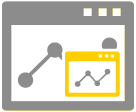
Exness’s MT5 includes the undocking feature and mini-chart feature, which are not available in the traditional MT4. With MT5’s undocking feature, you can easily display charts independently—something that wasn’t possible in the traditional MT4—enabling you to view multiple charts separately on a multi-monitor setup.Furthermore, the mini-chart feature enables comfortable multi-timeframe analysis even on a single monitor.
Equipped with a new ordering feature
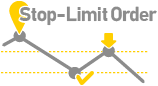
Exness’s MT5 now includes “Stop-Limit Orders” in addition to the three traditional order types: market orders, limit orders, and stop orders.The addition of stop-limit orders has improved the platform, allowing for more strategic trend-following trades, such as buying on dips and selling on rallies. This not only reduces psychological stress but also significantly minimizes missed opportunities.
install MT5
Web Trader Trade comfortably anytime right in your browser
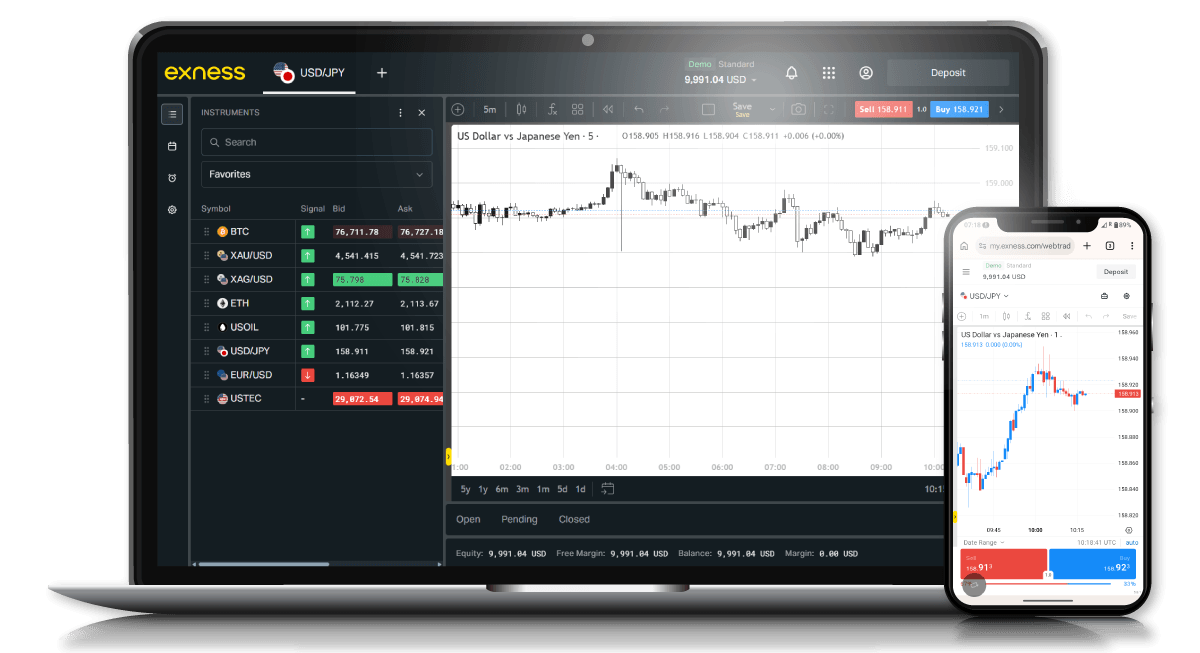
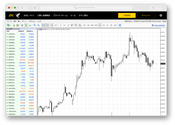
Exness offers the “WebTerminal,” which allows you to trade on MT4/MT5 directly from your browser, on the Exness website. It functions as a simplified version of the desktop application, featuring an interface similar to the desktop version while providing key order placement, analysis, and display functions.There’s no need for any cumbersome downloads or installations—you can use the WebTerminal anytime, as long as you have a web browser. Furthermore, no prior registration is required; simply access the WebTerminal page on the official Exness website, log in with your existing Exness account credentials, and you can start trading right away.
access and log in to the MT4/MT5 Web Terminal
Download
Offers apps for Windows, Mac,
and mobile devices
Please download the MT4/MT5 versions for various devices from Exness here.
MetaTrader 4
MetaTrader 5
MetaTrader for Windows OS

Apps Compatible with Windows PCs

MetaTrader for Mac OS

Apps Compatible with Mac OS-Powered PCs
MetaTrader for iPhone/iPad

Apple Mobile Apps

MetaTrader for Android

Mobile Apps for Android OS



Frequently Asked Questions (FAQ) About Exness MT4/MT5
-
Is it possible to trade multiple Exness accounts using a single MT4/MT5 platform?
Yes, even if you have multiple Exness accounts, you can trade using a single MetaTrader 4 (MT4) or MetaTrader 5 (MT5) platform. To switch between accounts, select “Login to Trading Account” from the “File” menu in MT4 or MT5.
Read More
07.04.2022
-
Does Exness's MT4/MT5 support the WebTerminal?
Yes, Exness supports the WebTerminal. The "Exness WebTerminal" allows you to trade on MetaTrader 4 (MT4) and MetaTrader 5 (MT5) directly through your web browser, so you can start trading right away without having to download or install anything.
Read More
07.04.2022
-
Does Exness's MT4/MT5 support Mac?
Yes, Exness offers Mac-compatible versions of MetaTrader 4 (MT4) and MetaTrader 5 (MT5). Please download the Mac versions of MT4 and MT5 from the page below. You can install them in a few simple steps and start trading right away.
Read More
07.04.2022
-
Where can I download Exness's MT4/MT5?
MetaTrader 4 (MT4) and MetaTrader 5 (MT5), offered by Exness, can be downloaded from the page below. Versions are available for Windows, Mac, Android, and iOS, so you can use them on a variety of devices.
Read More
07.04.2022