














Exness Rebate (Cashback) Campaign

40%of your spread back as a rebate.







Exness Rebate (Cashback) Campaign
Exness Rebate (Cashback) Campaign
Exness is launching the “Exness Rebate (Cashback) Campaign” for customers (both new and existing) who open an account through this website.By trading on eligible accounts, you’ll earn rebates based on your trading volume, with up to 40% of the spread returned to you. The rebates you receive can be used directly as trading margin or withdrawn just like regular profits. Please note that this campaign is subject to change or termination without prior notice.
The rebate amount is up to 40% of the spread.
Simply open an Exness account through this site and register using the application form, and you’ll receive rebates (cashback) based on your trading volume credited to your account. You can use the rebates you receive directly for trading. You can also withdraw them.
Rebate rates vary depending on the account type. This applies to Standard and Pro accounts. Zero and Low Spread accounts are not eligible for rebates.
| Account Type | Rebate Rate | Eligible Transactions |
| Standard Account | 40% of the spread | All Transactions |
| Pro Account | 25% of the spread | All Transactions |
| Standard Account | |
| Rebate Rate | 40% of the spread |
| Eligible Transactions | All Transactions |
| Pro Account | |
| Rebate Rate | 25% of the spread |
| Eligible Transactions | All Transactions |

With a rebate account, you can trade using the pure spreads provided by Exness. Just because rebates are offered does not mean that the spreads are marked up.
Conditions for the Occurrence of Rebates
Exness rebates (cashback) are automatically earned simply by trading, based on your trading volume. The conditions for earning rebates are as follows:
How to Receive Rebates
Once you’ve created an account linked to an IB partner and completed the rebate account application, rebates (cashback) will be automatically credited to your trading account simply by making eligible trades. No separate application or receipt procedures are required. Rebates are credited to your account balance at regular intervals, so you can receive them without having to take any special action.
The timing for calculating rebates and the timing for crediting them to your rebate account are as follows.
| Item | Contents |
| Timing of Rebate Calculation |
Based on server time, statistics are tallied during the daily rollover at 9:00 PM during Daylight Saving Time and at 10:00 PM during Standard Time. |
| Timing of Reflection | Funds will be credited to your rebate account in stages, typically within 48 hours (excluding weekends) after the data is tallied. |
How to Check Your Rebate History
Since rebates are credited directly to your Exness account, you can view them in your MT4/MT5 account history or in the trading history section of your Personal Area. They are recorded as "Balance" adjustments when credited, so please check the history for the relevant date and time.
Once the rebate is credited, it will appear as a deposit in your MT4/MT5 account history. Entries in the comment field that begin with "D-INTARB-" indicate rebate deposits.
For USD accounts, a string such as “D-INTARB-USD-INT-xxxxxxxx” will appear in the comment field, and the rebate will be credited to your account in USD. Please note that the end of the string and the displayed content may vary depending on your account currency and trading environment.
How to Use Rebates
The rebates (cashback) you receive can be used directly as trading margin. There is no need to make an additional deposit; you can use them to hold positions and trade just as you would with your regular funds.
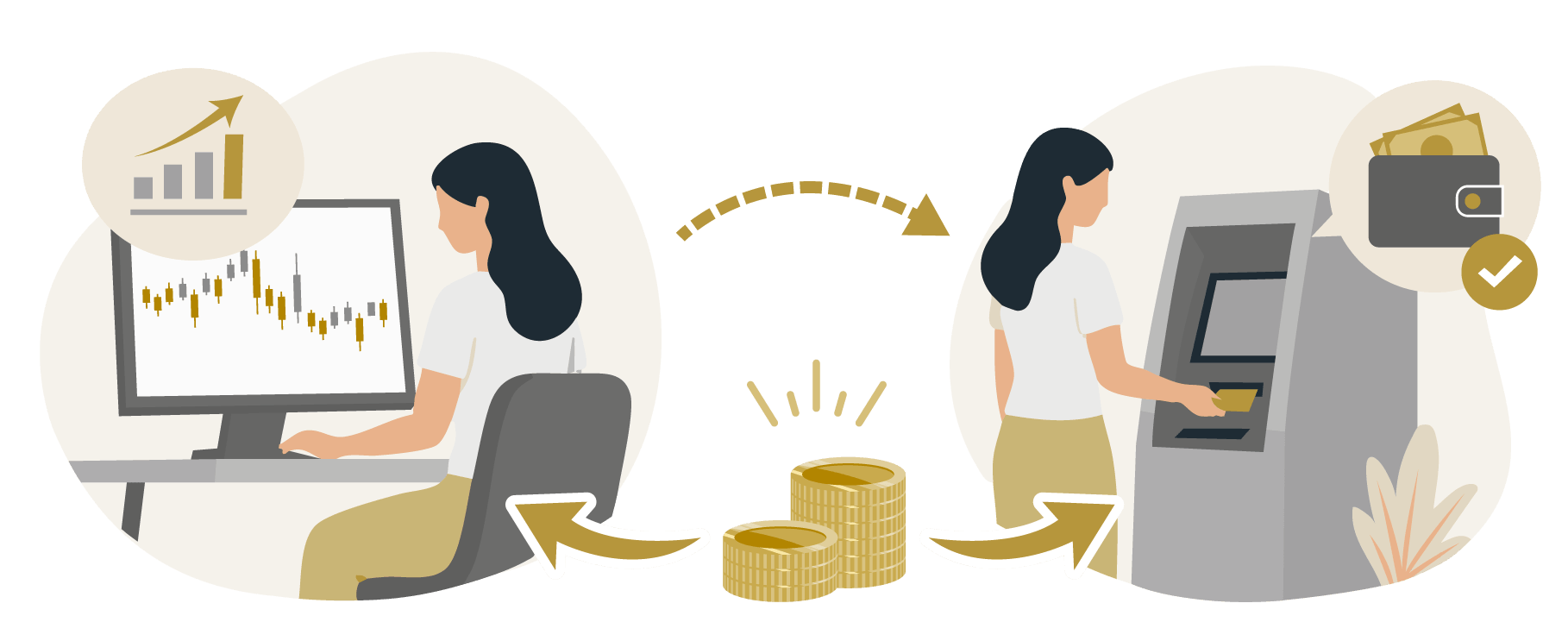
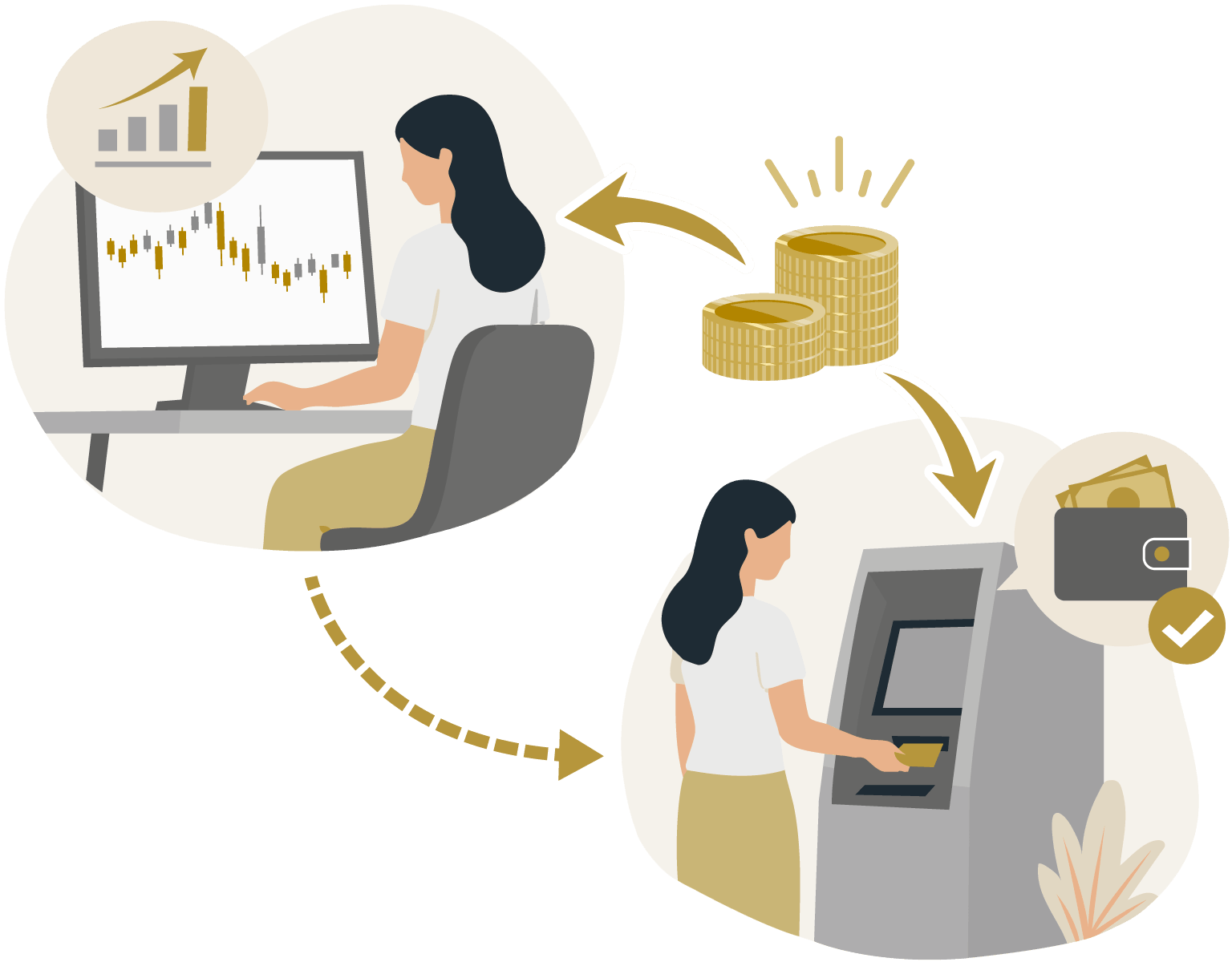
In addition, since rebates are credited to your account balance, they can be withdrawn just like profits. The withdrawal process follows the same steps as Exness's standard withdrawal procedure.
Steps to Activate Your Rebate Account
Anyone can participate in the rebate (cashback) campaign by following the steps below.
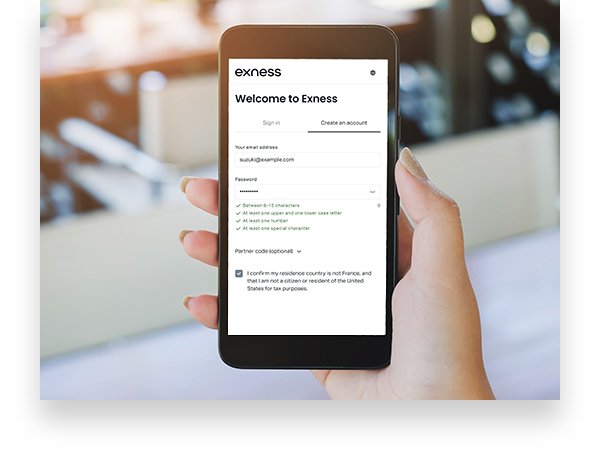
If you already have an account linked to this site, please proceed directly to STEP 2. If you haven’t linked an account yet, please review the “How to Open a Rebate Account” guide and have an account with completed identity verification (KYC) ready. (Residents of Japan are not eligible for this campaign.)
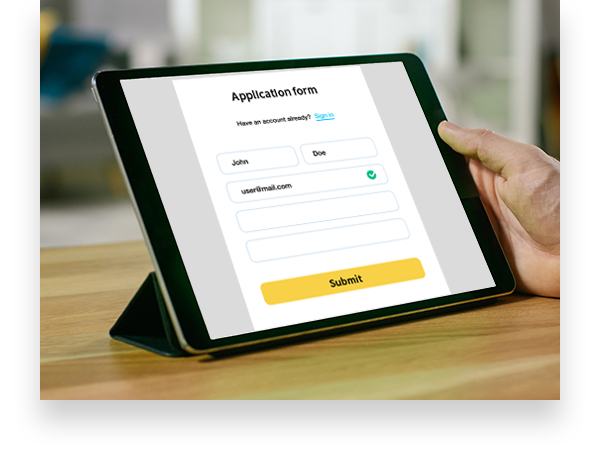
Please enter your Exness account number in the application form and submit it. Once we verify it on our site, you will be registered for the rebate campaign.
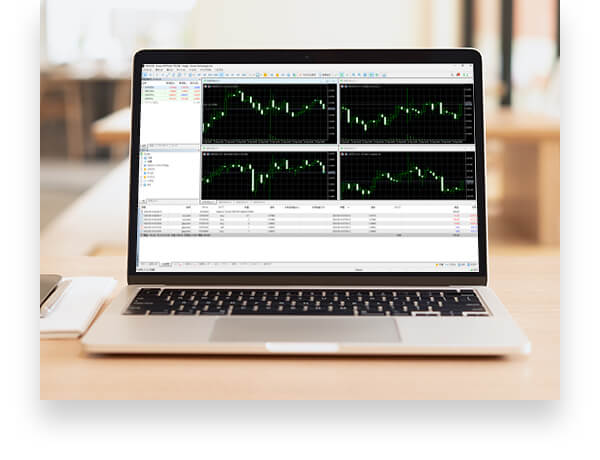
Please start trading on Exness as usual. You will earn rebates based on your trading volume.

Any rebates earned will be credited to your Exness account. You can use them directly as trading margin or withdraw them.
How to Open a Rebate Account
 If you do not
 have an Exness account
 If you already
 have an Exness account

Please open a new account using this link. By opening an account through the link on this page, you can use it as a cashback-eligible account linked to our site. After creating your account, please proceed to apply for a rebate account using the link below.
Apply for a RebateIf you already have an Exness account, you can choose between using your current account or opening a new account through our site that qualifies for cashback. Please choose the option that best suits your needs.
Open a New Account
Even if you are currently using Exness, you can open a new account via this link to access the cashback-eligible accounts offered on our site. When opening a new account, please use an email address different from the one you currently use. Exness allows you to create multiple accounts.
Change Your Account Partner (IB)
If you already have an Exness account, you can use an account eligible for cashback through this site by changing your partner (IB).
Please follow the steps below to submit a change request.
Please enter the following URL in the "New Partner Link" field.
URL: https://one.exnessonelink.com/a/akssudhyu9
Apply for a Rebate
How to Fill Out the Application Form
Enter your bank account information on the application form
On the application form screen, enter your name, email address, and the account number linked to this site, then check the box to agree to the Terms of Service and Privacy Policy. Once you have filled in all required fields, the "Review" button will appear; please click it.
Apply for a Rebate Account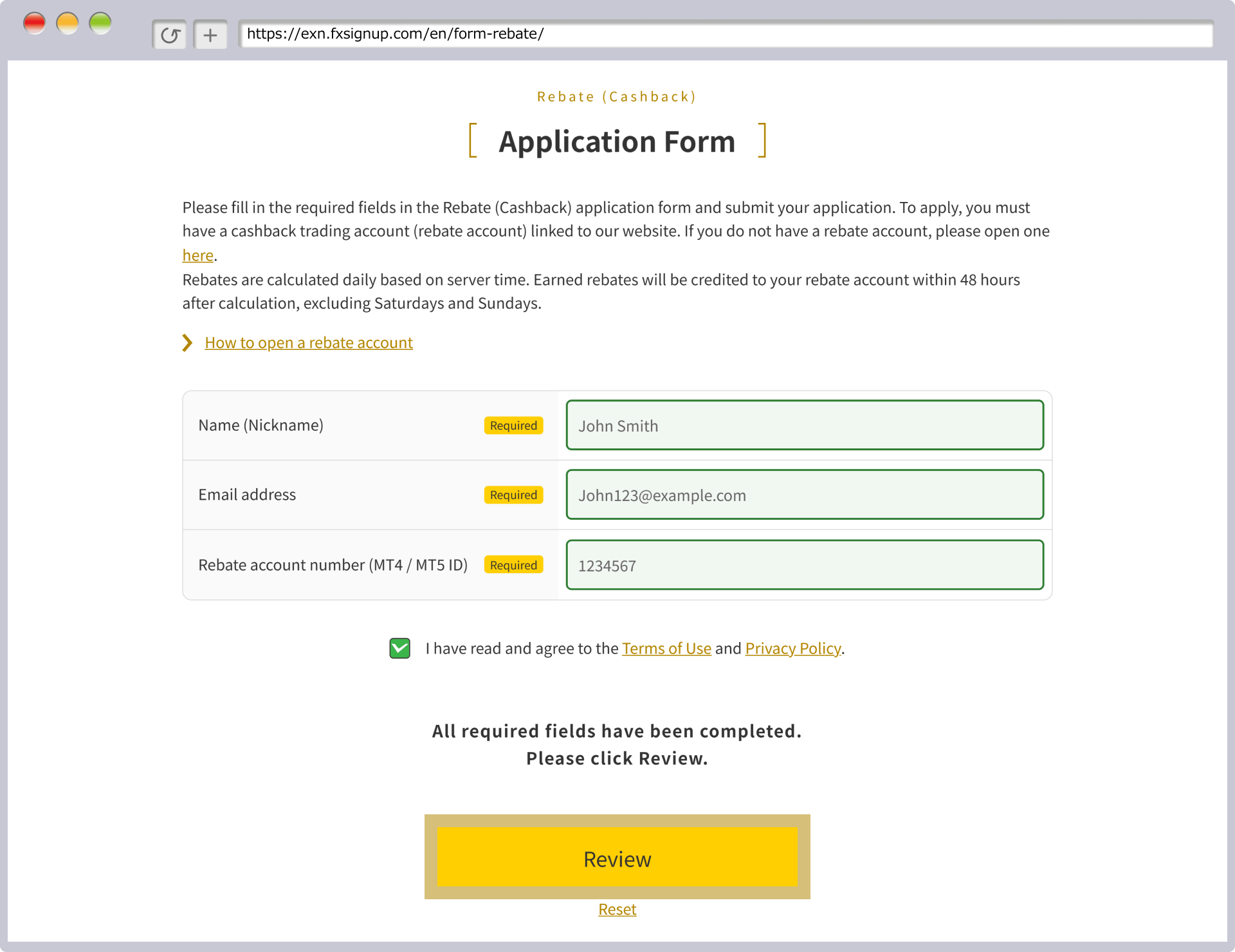
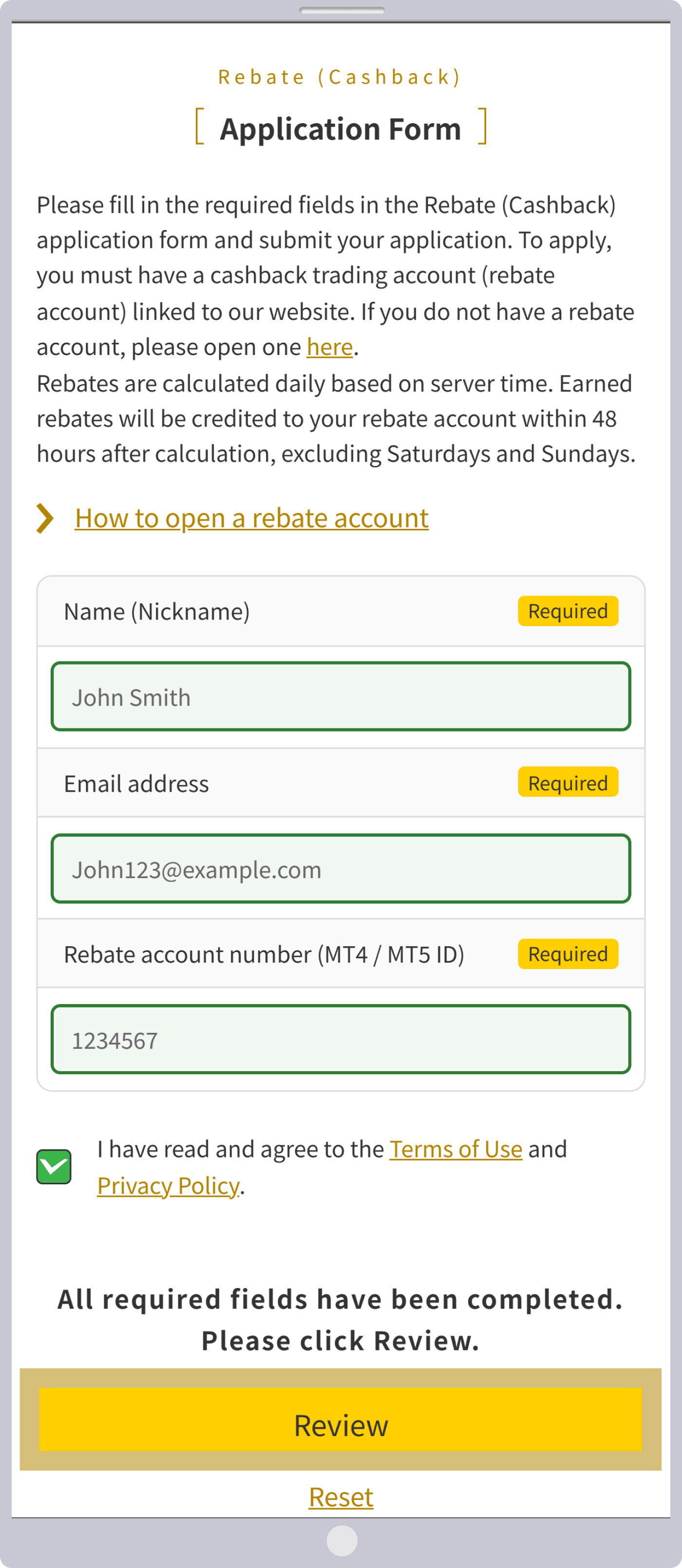
Review your entries and click "Submit."
You will be taken to a confirmation screen. Please review the details, and if everything is correct, click “Submit.”
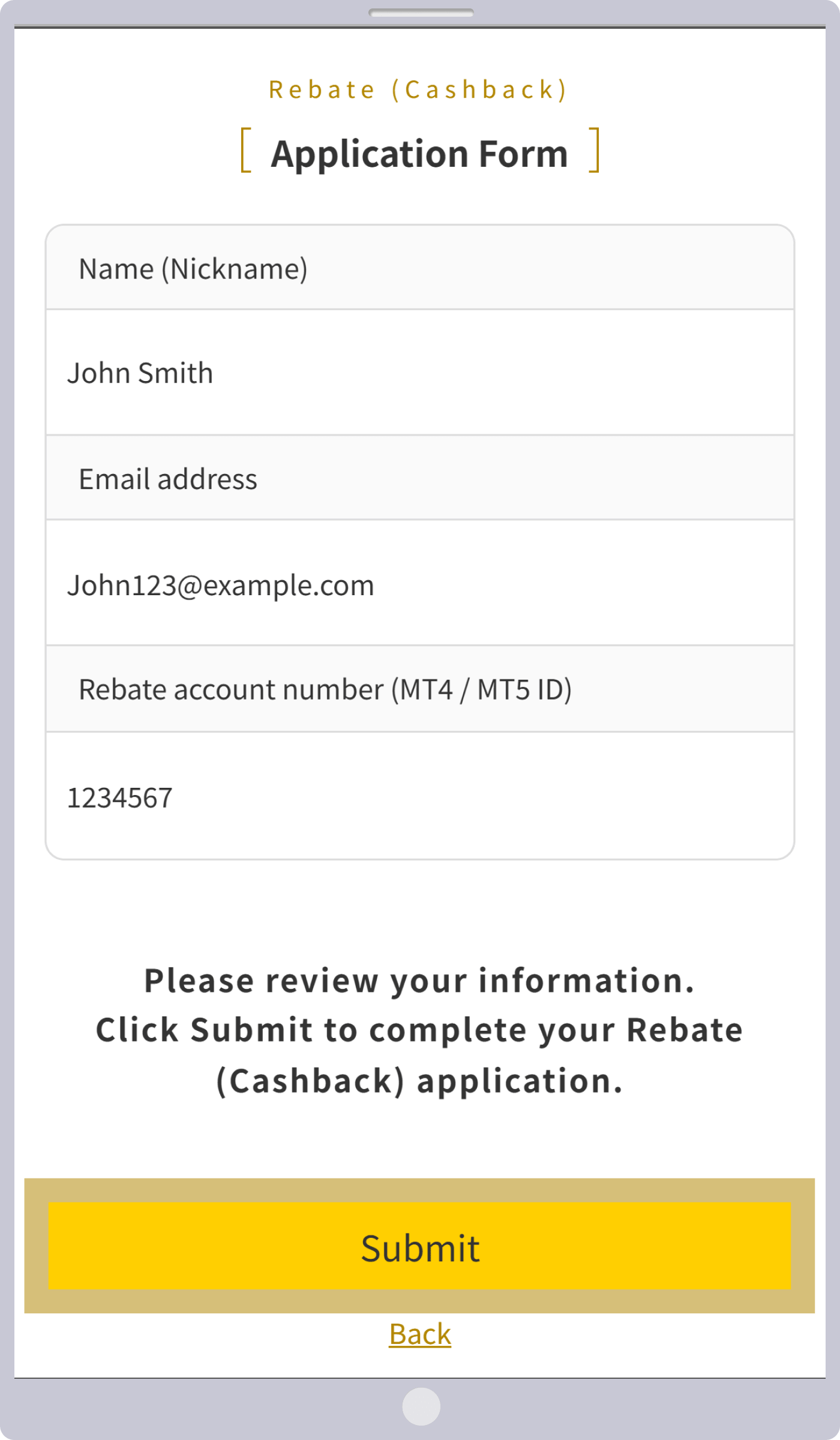
Once the "Application Complete" screen appears, the process is complete.
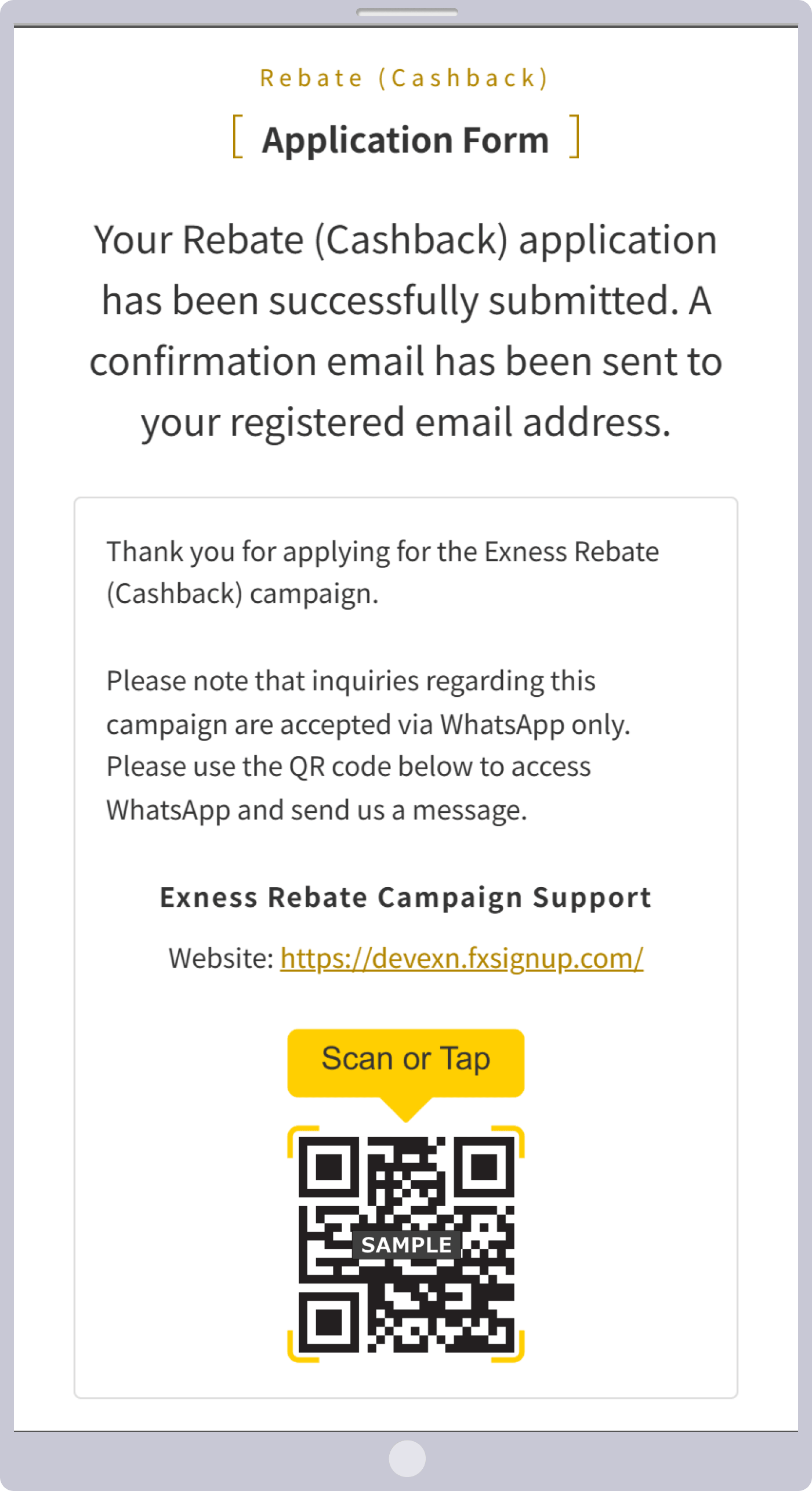
If your registered account number is linked to this site, clicking "Submit" will display a screen like the one shown below.
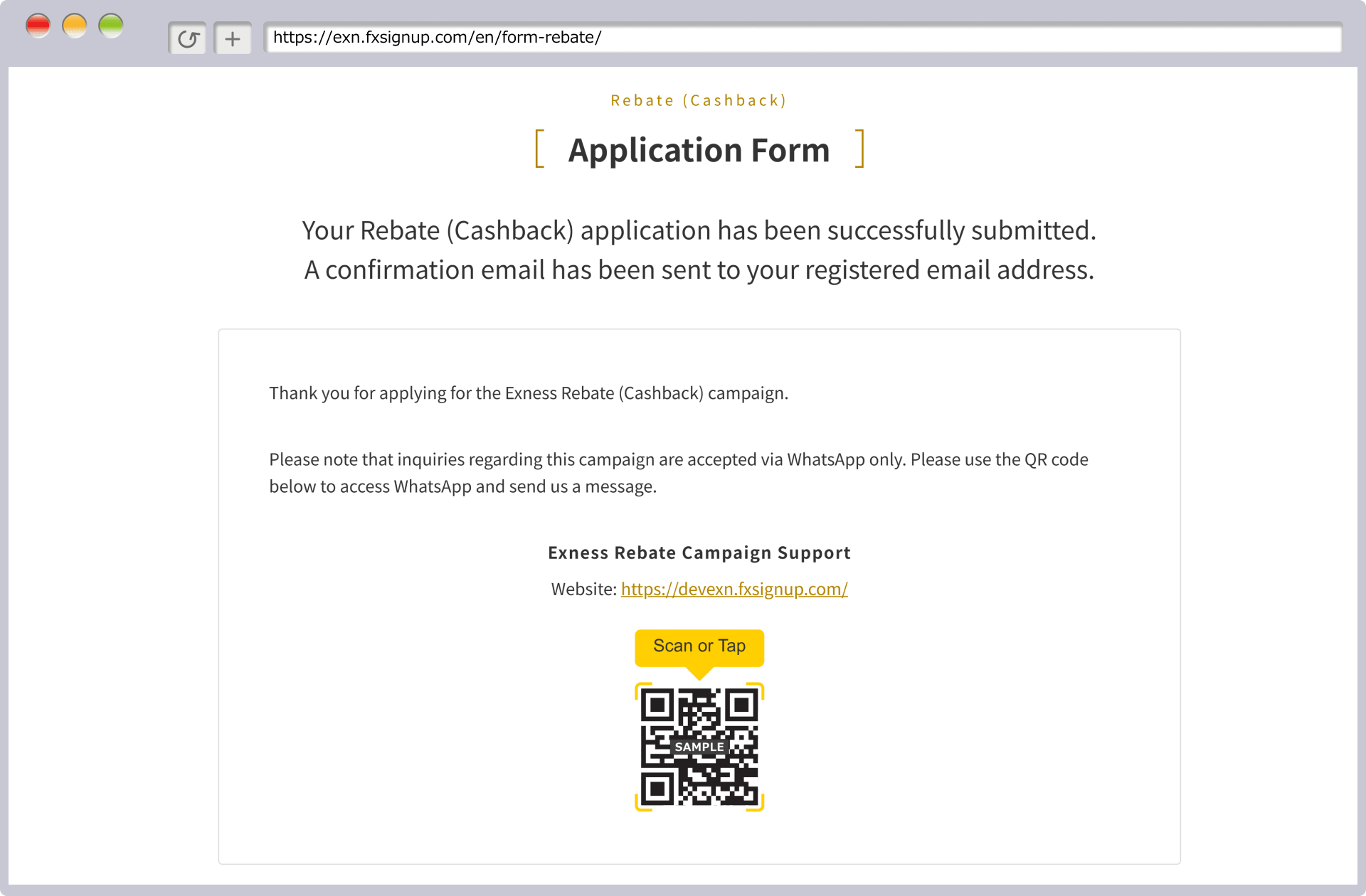
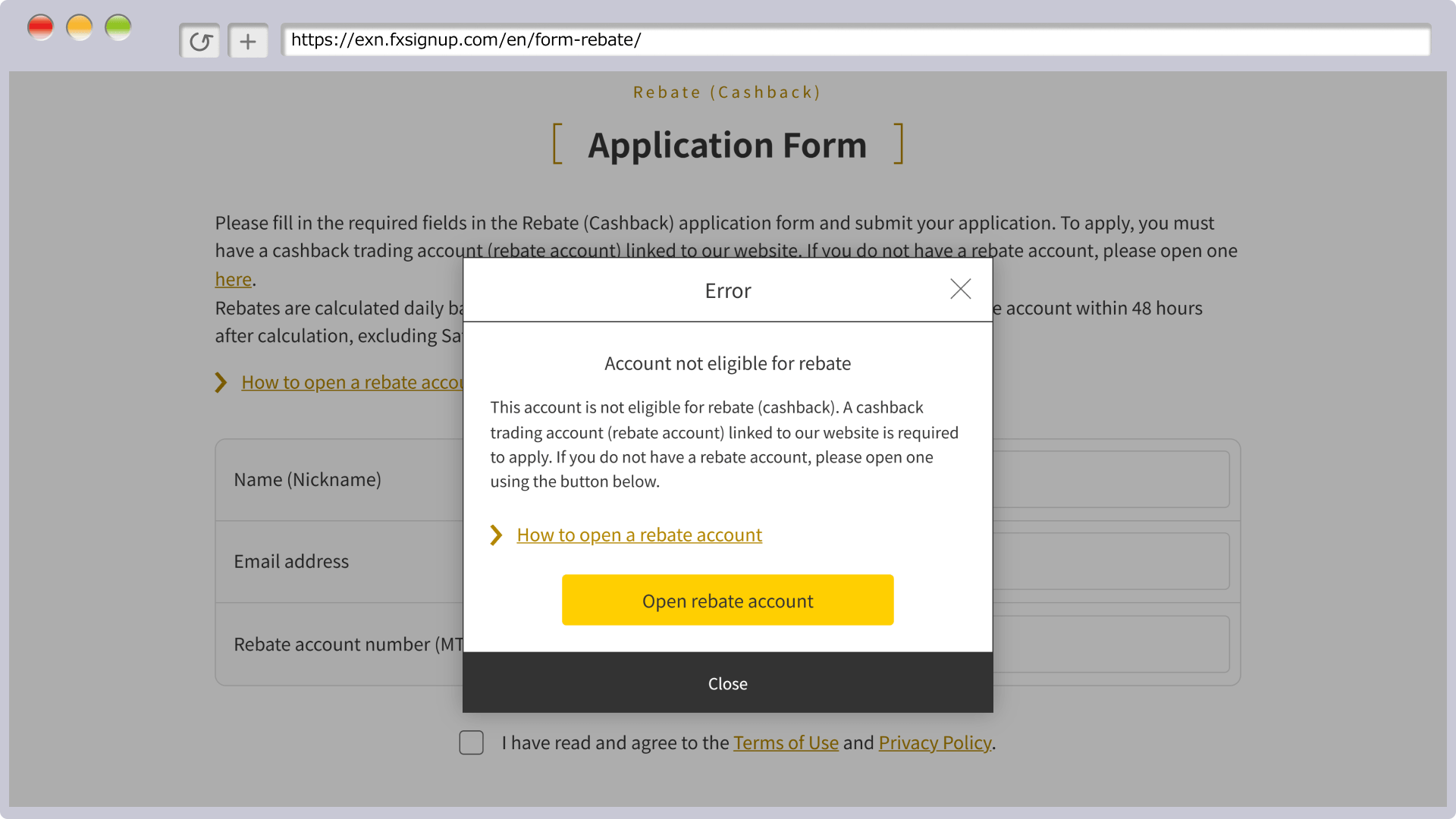
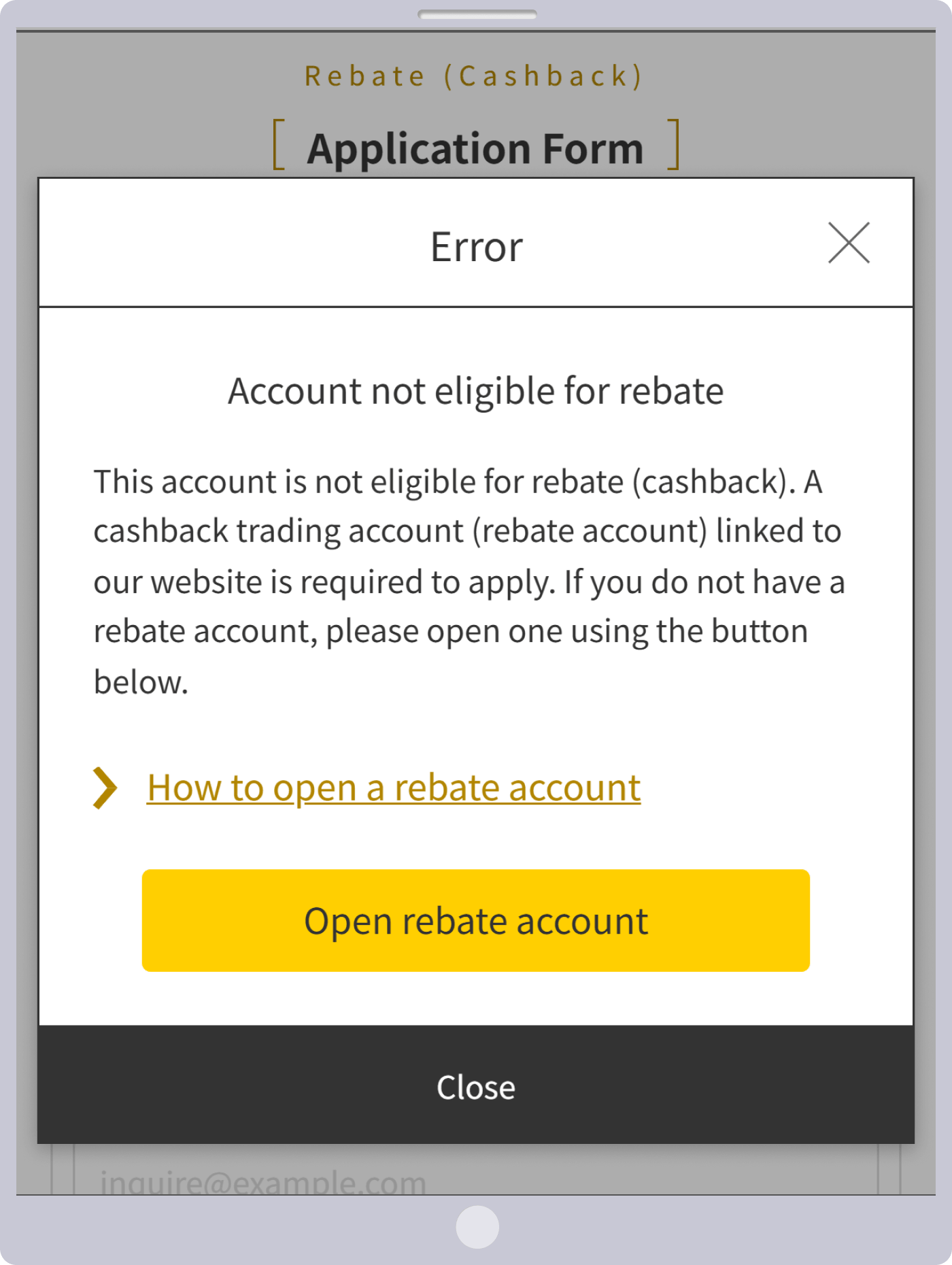
On the other hand, if your account number is not linked to this site, the following error screen will appear. In that case, please verify your account number or open a new rebate account linked to this site here.